
These commands are the day-to-day side of the level system: members check their level card and the server leaderboards, and administrators fix or reset XP.
This page goes through the commands one by one. To learn how members earn XP (messages, voice, reward roles), read Levels and XP. Settings (activation, XP gains, announcement channel, level image) live on the Levels page of the dashboard.
Before you start
The available commands and what needs to be enabled.
Commands on this page
| Command | Who | What it does |
|---|---|---|
/rank | Everyone | Shows your level card or another member's. |
/top level | Everyone | Server leaderboard by level. |
/top streak | Everyone | Server leaderboard of flames (streaks). |
/top tag | Everyone | Leaderboard of server tags across all servers. |
/modify-xp | Administrators | Adds or removes XP for a member. |
/reset-levels | Administrators | Resets the level of one member or of the whole server. |
Enable the level system
/rank, /modify-xp and /reset-levels are per-server commands: they only show up in Discord's command list once the level system is enabled. Turn it on with the Enable levels switch on the Levels page of the website (or in the leveling section of /config). When you turn it off, these three commands disappear.
/top exists on every server. While levels are disabled, /top level replies "Leveling is not enabled on this server."
French command names
In a Discord client set to French, some commands and options show translated names: /rang (option utilisateur), /top niveau, /modification-xp (options utilisateur, type, quantité) and /réinitialisation-niveaux (options cible, utilisateur). This page uses the original names, which Discord also accepts.
Tip
/rank and /top reply publicly: like any public command, they count towards the member's daily flame when flames are enabled.
Check a level with /rank
A member's level card.
/rankShows a member's level card: their position on the leaderboard, their level and their XP progress.
Syntax
/rank [user:<member>]Options
| Option | Type | Required | Description |
|---|---|---|---|
user | User | No | The member to show. Without this option, you get your own card. |
Member permission
None
Bot permission
None
Where to use it
Server only
Rate limit
1 use every 10 seconds
Plan
Free
Examples
/rank/rank user:@Maëlle
Only available when the level system is enabled on the server.
Result on Discord
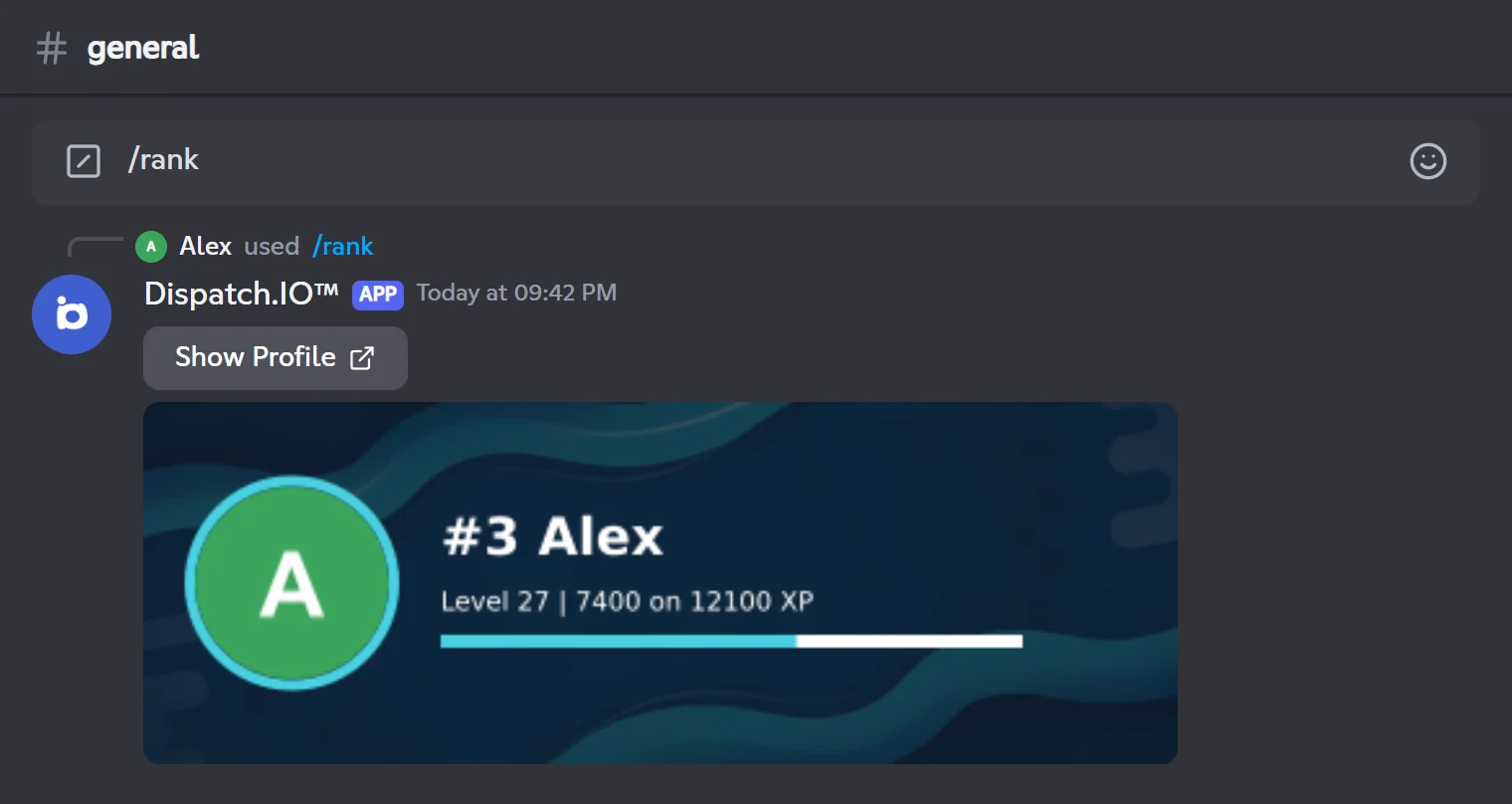
What the card shows
- Position and name:
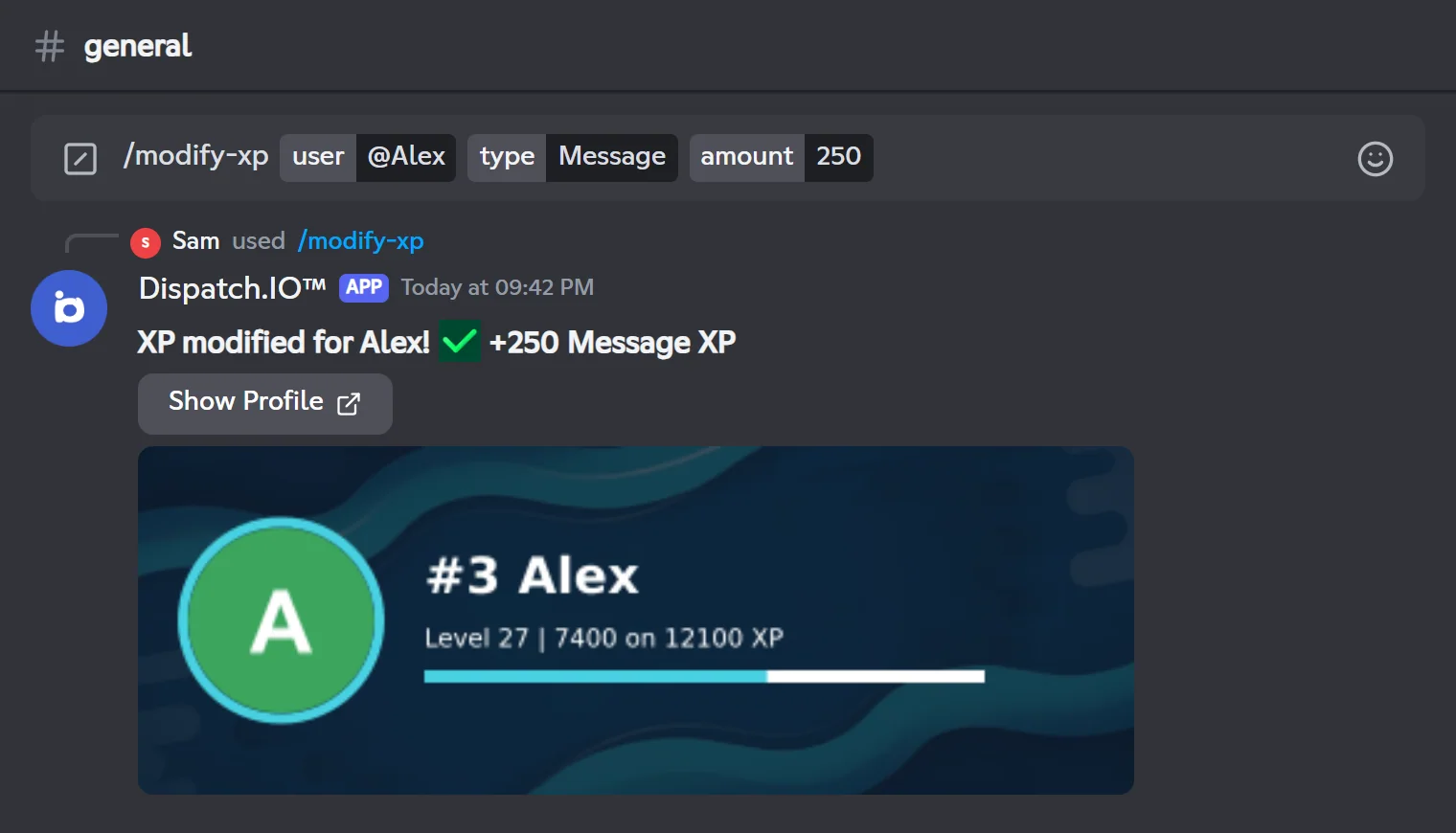
#3 Alexis the member's place on the server leaderboard. Long names are cut after 12 characters. - Level line: "Level 7 | 5120 on 6400 XP" gives the current level, the member's total XP (messages + voice) and the total XP needed to reach the next level.
- Progress bar and avatar outline use the member's personal accent color if they picked one, otherwise the server color.
- Background: the member's personal level card image if they set one, otherwise the server level image, then the server welcome image, then the default banner.
The card text is written in the server language. The Show Profile button opens the member's profile page on the website (see Leaderboards and rank cards).
Possible replies
| Situation | Bot reply |
|---|---|
| Level system disabled | "Leveling is not enabled on this server." |
| The target member is blacklisted from Dispatch.IO | "The user is blacklisted from Dispatch.IO™. You cannot search the level of this user." |
| The target member is not (or no longer) on the server | The bot's error message ("Oh no, it seems there's a problem..."). |
Show leaderboards with /top
Leaderboards by level, by flame and by server tag.
/top has three subcommands. Each one replies publicly with a leaderboard image of 5 entries, followed by buttons to switch pages.
The leaderboard image
The bot draws an image containing:
- a title in the accent color: "Level Rankings", "Streak Rankings" or "Tag Rankings";
- 5 rows with the position in a colored square, the avatar (the tag badge for
/top tag), the name and, on the right, the value: "Level 12", "15 streaks" or "42 users". A crown sits above the avatar of #1; - today's date in the bottom-right corner.
The background uses your personal image (level card for level, flame card for streak, welcome image for tag), otherwise the server image, otherwise the default banner, darkened so the text stays readable. The text follows your Discord language.
Switching pages
Below the image, five buttons take you to the first, previous, next or last page. The middle button, "Page 1/3", opens a Go to page window: type a Page number to jump straight to it.
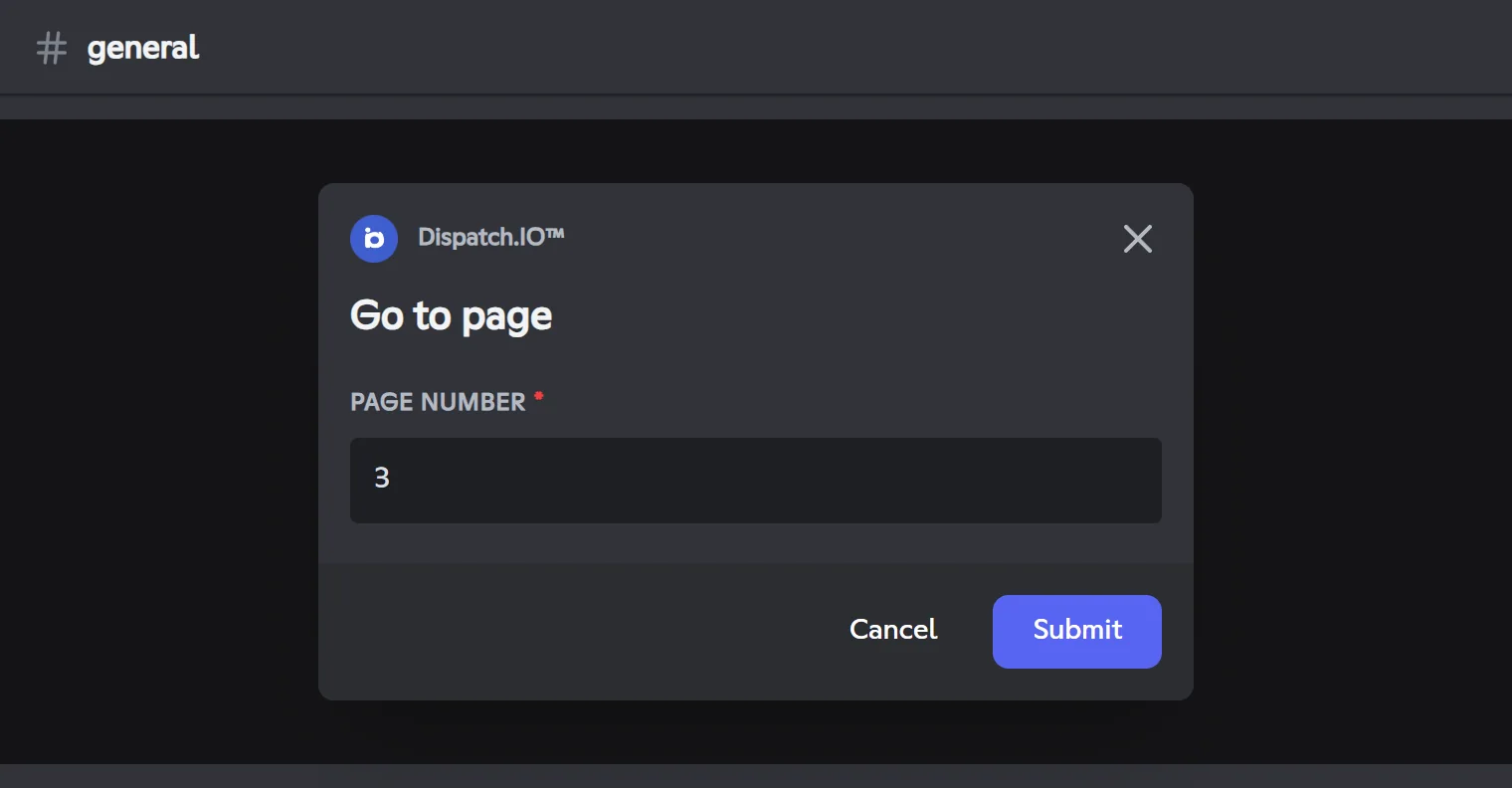
Only the person who ran the command can use these buttons. They disappear after 60 seconds without a click (6 minutes for /top tag); the leaderboard image stays.
/top levelShows the server members ranked by level (total XP, messages + voice).
Syntax
/top levelMember permission
None
Bot permission
None
Where to use it
Server only
Rate limit
1 use of /top every 10 seconds
Plan
Free
Examples
/top level
Requires the level system to be enabled. The "You are #…" line only appears once you have earned XP on the server.
Result on Discord
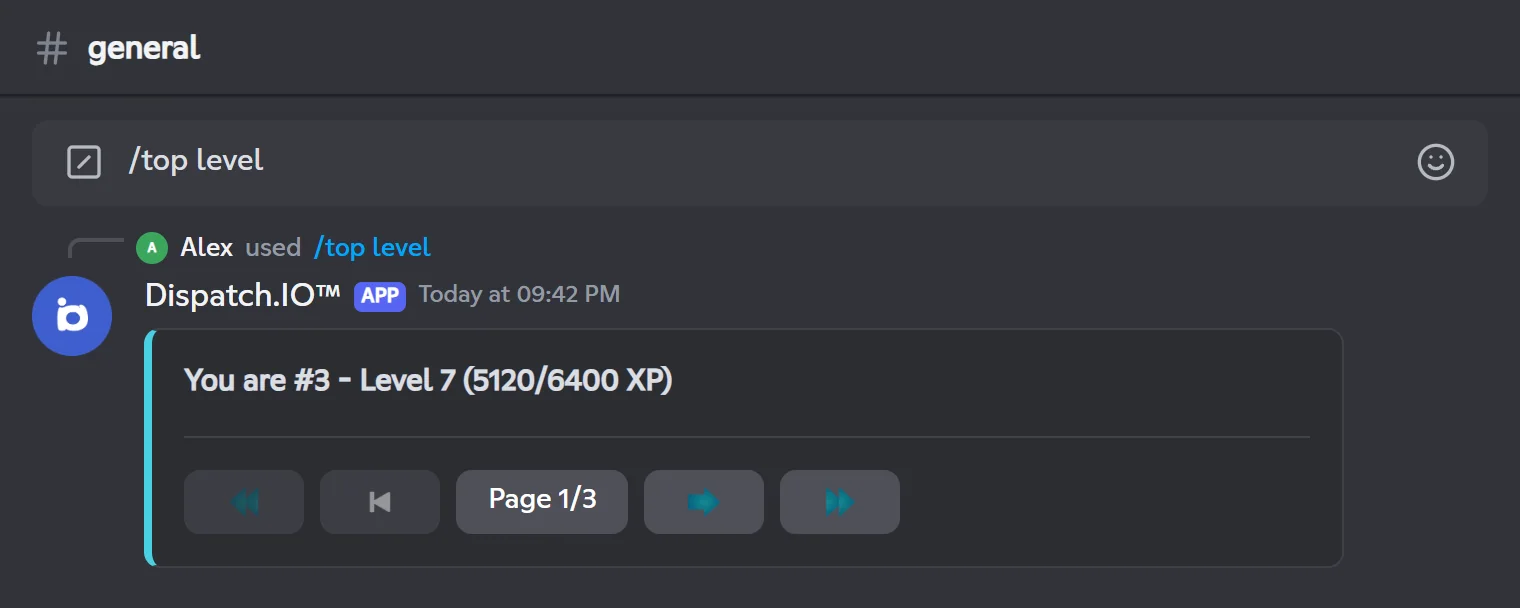
If nobody has earned XP yet, the bot replies "No rankings are available at the moment."
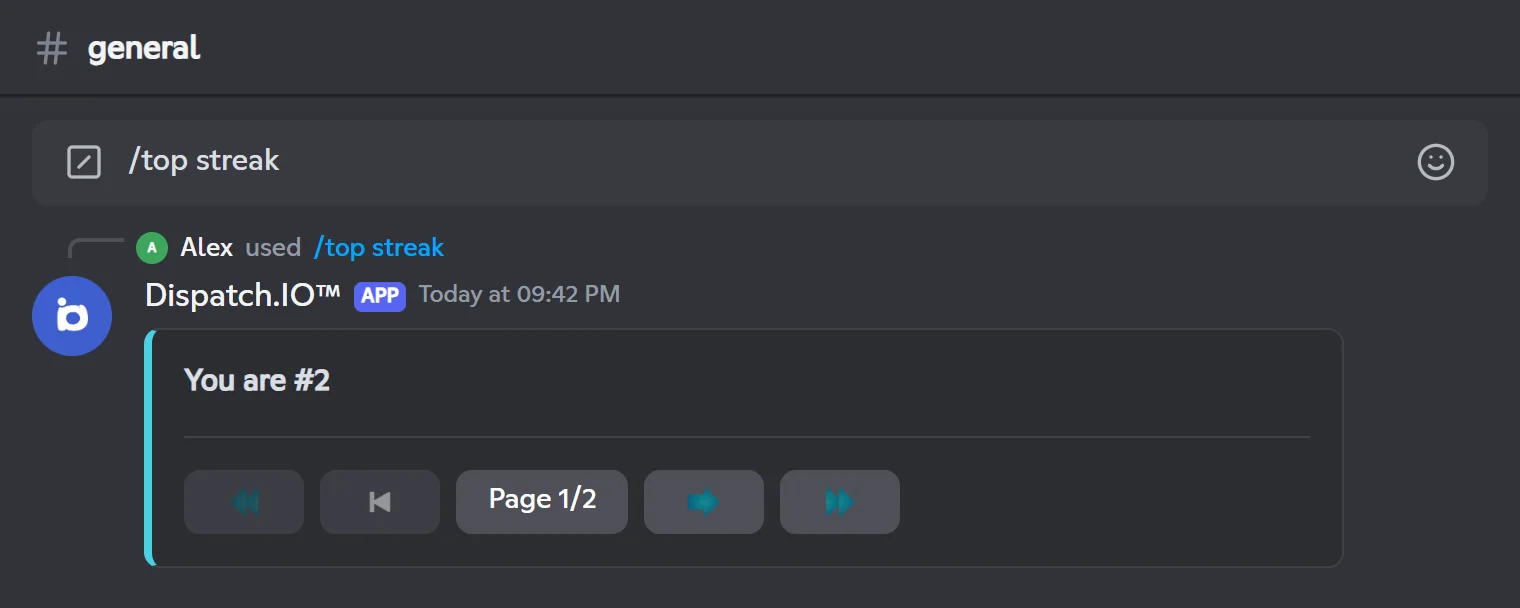
/top streakShows the server's flame leaderboard, from the longest current streak to the shortest.
Syntax
/top streakMember permission
None
Bot permission
None
Where to use it
Server only
Rate limit
1 use of /top every 10 seconds
Plan
Free
Examples
/top streak
Requires the flame system to be enabled (see Flames).
Result on Discord
| Situation | Bot reply |
|---|---|
| Flames disabled | "The flame system is not enabled on this server." |
| No flames yet | "No flame leaderboard is available yet. Send a message to start your flame!" |
Flames are explained on the Flames (streaks) page.
/top tagRanks Discord server tags (the small badge shown next to a username) by the number of users known to Dispatch.IO who wear them, across all servers.
Syntax
/top tagMember permission
None
Bot permission
None
Where to use it
Server only
Rate limit
1 use of /top every 10 seconds
Plan
Free
Examples
/top tag
No setup needed.
Result on Discord
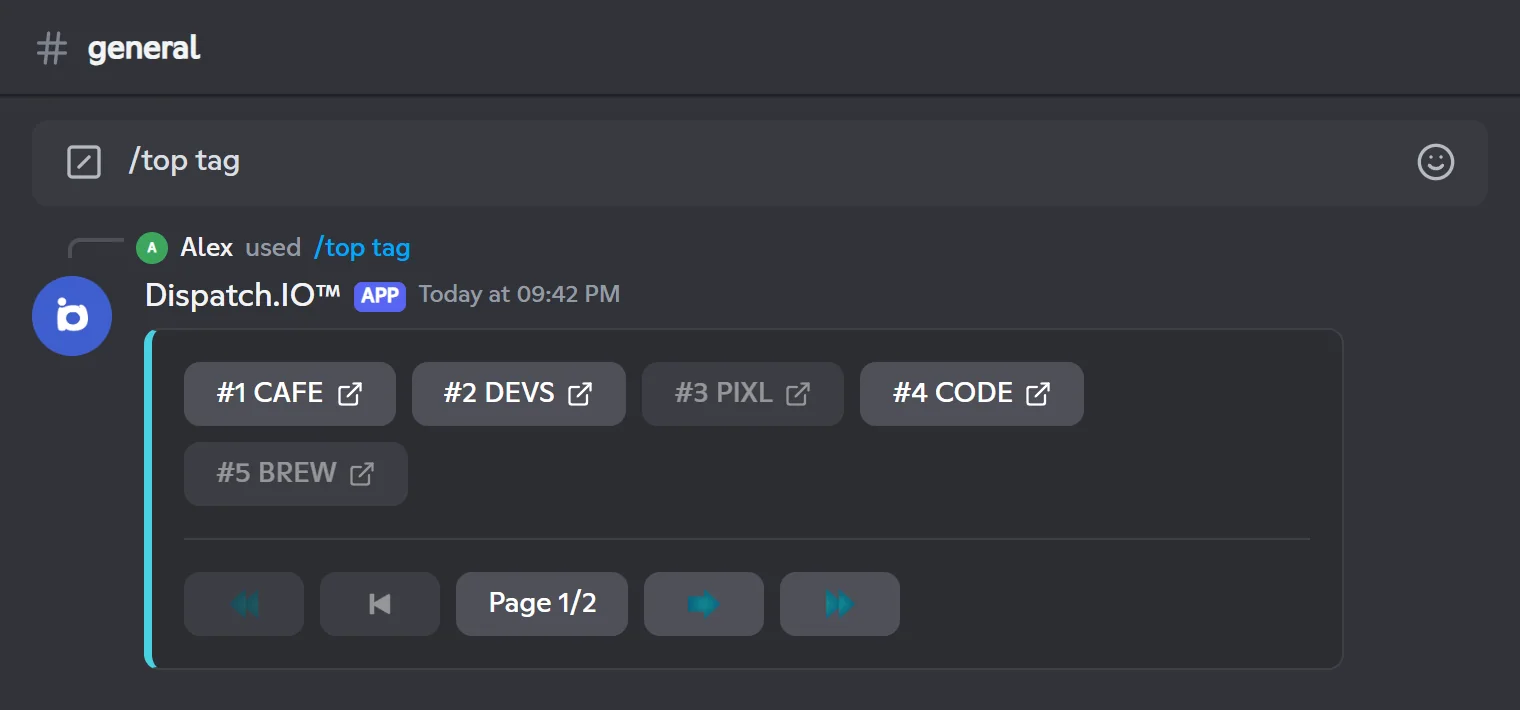
Below the image, one button per tag (#1 CAFE, #2 DEVS…) opens an invite to the tag's server when Dispatch.IO is on that server and a permanent invite exists there. Otherwise the button is greyed out.
Change a member's XP with /modify-xp
Add or remove message or voice XP.
/modify-xpAdds or removes message or voice XP for a member, then shows their new level card.
Syntax
/modify-xp user:<member> type:<Message|Voice> amount:<number>Options
| Option | Type | Required | Description |
|---|---|---|---|
user | User | Yes | The member whose XP you change. |
type | Choice | Yes | The counter to change: `Message` or `Voice` ("Voix" in a French Discord client). |
amount | Integer | Yes | The amount of XP to add (positive number) or remove (negative number). |
Member permission
Administrator
Bot permission
None
Where to use it
Server only
Rate limit
1 use every 10 seconds
Plan
Free
Examples
/modify-xp user:@Alex type:Message amount:250/modify-xp user:@Alex type:Voice amount:-100
Only available when the level system is enabled.
Result on Discord
How it works
Each member has two counters: message XP and voice XP. Their level depends on the total. /modify-xp changes one counter, then the bot recalculates the level and shows the new card (the same one as /rank).
- A counter never goes below 0: removing 500 XP from a member who has 200 brings that counter to 0.
- The reply shows the member's name without mentioning them, so they get no notification.
No announcement, no automatic role
Changing XP with /modify-xp sends no level-up message and does not add or remove reward roles, even if the member changes level. Their roles are updated at their next regular level-up.
To set an exact value instead of adding or removing, use the Members & XP page of the dashboard (see Levels).
Possible replies
| Situation | Bot reply |
|---|---|
| Level system disabled | "Leveling is not enabled on this server." |
| The target member is blacklisted from Dispatch.IO | "The user is blacklisted from Dispatch.IO™. You cannot modify the XP of this user." |
| Saving failed | "An error occurred while modifying the XP. Please try again later." |
Reset levels with /reset-levels
Erase one member's level or the whole leaderboard.
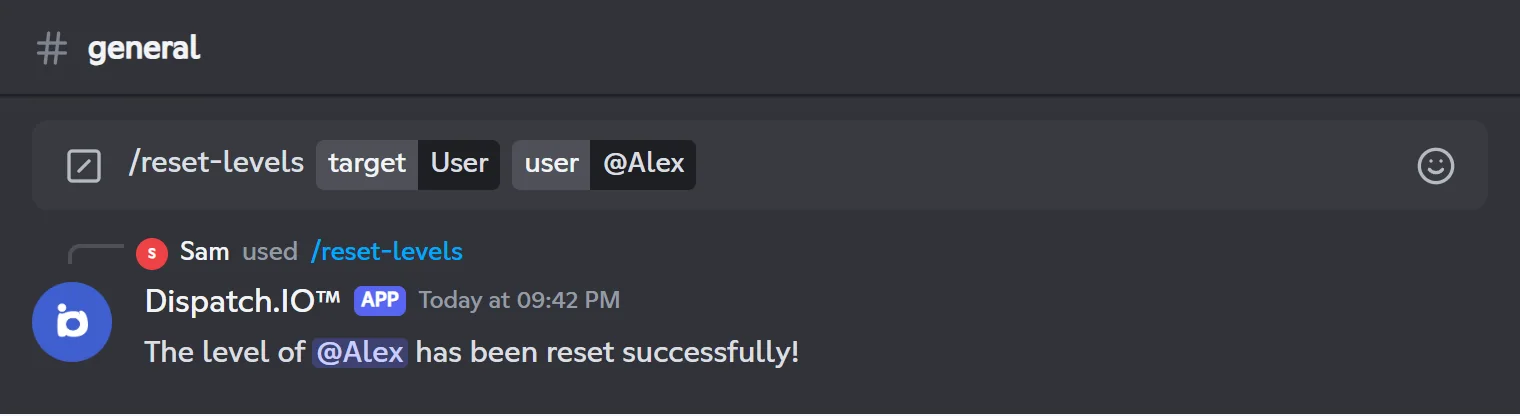
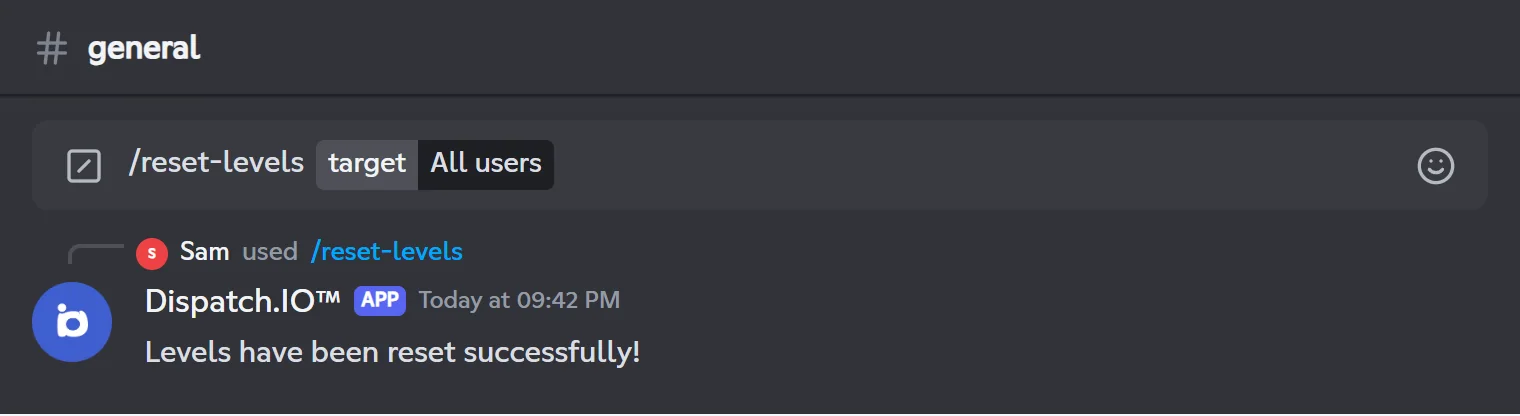
/reset-levelsResets the level and XP of one member, or of every member of the server.
Syntax
/reset-levels target:<All users|User> [user:<member>]Options
| Option | Type | Required | Description |
|---|---|---|---|
target | Choice | Yes | `All users` for every member, `User` for a single member ("Tous les utilisateurs" / "Utilisateur" in a French Discord client). |
user | User | No | The member to reset. Required with `target:User`, ignored with `target:All users`. |
Member permission
Administrator
Bot permission
None
Where to use it
Server only
Rate limit
1 use per minute
Plan
Free
Examples
/reset-levels target:User user:@Alex/reset-levels target:All users
Only available when the level system is enabled.
Result on Discord
No confirmation
The reset is immediate and permanent. With target:All users, the whole server leaderboard is wiped at once. Double-check your command before sending it.
- With
target:Userand no member picked, the bot replies "You must specify a user!" and changes nothing. - Reward roles already earned are not removed: remove them by hand if needed.
Common issues
| Issue | Cause and fix |
|---|---|
/rank, /modify-xp or /reset-levels don't show up | The level system is disabled. Enable it on the Levels page. Discord's command list can take a moment to refresh. |
A moderator can't see /modify-xp or /reset-levels | These commands require the Administrator permission. Discord hides them from other members; the owner can change this in Server Settings > Integrations. |
| The command shows "The application did not respond" | The member got access to the command through Integrations but has neither the Administrator permission nor an admin role recognised by the bot (see Permissions and roles). The bot does not reply in that case. |
/top level says leveling is not enabled | Enable levels on the website. |
A member changed level with /modify-xp but didn't get their role | Expected: only regular level-ups (messages, voice, XP giveaways) grant reward roles. |
| The page buttons stopped working | They expire after 60 seconds without a click (6 minutes for /top tag). Run /top again. |