
Every server where Dispatch.IO™ is installed gets three public pages on the website: the level leaderboard, the flame leaderboard and each member's rank card. They show off your community's activity and keep members motivated: all it takes is a link, and nobody needs to sign in to see them.
This page is for everyone: members who want to check their position, and admins who want to share their server's leaderboard.
Note
The data comes from the bot: XP is earned through levels and flames through daily flames. On Discord, the /rank and /top commands show the same information (see Levels and leaderboards).
Finding a server's leaderboard
The page addresses and the buttons that lead to them.
The addresses
| Page | Address |
|---|---|
| Level leaderboard | /leaderboard/<server ID> |
| Flame leaderboard | /leaderboard/<server ID>/streak |
| A member's rank card | /rank/<server ID>/<member ID> |
For example, the level leaderboard of the "Café des Devs" server lives at /en/leaderboard/100000000000000001. If you leave out the language (/fr or /en), the website adds it for you.
The buttons that lead there
- From your server's dashboard (owner or Administrator permission): in the side menu, under My server, click Level leaderboard or Streak leaderboard.
- From the setup pages: the Public leaderboard button on the Members & XP page and on the Flames page opens the leaderboard in a new tab.
- From your personal space: in My activity › Leaderboards, every server where you have XP has a View leaderboard button, even if you are not an admin there.
- From Discord: the bot's Show Profile button opens the member's rank card (not the leaderboard). It appears under the
/rankreply, under level-up and flame messages, and under the/modify-xpreply.
Finding your server ID
On Discord, turn on Settings › Advanced › Developer Mode, then right-click the server icon › Copy Server ID. You can also copy the leaderboard link from the dashboard and paste it into your announcements channel.
The level leaderboard
The header, the key figures and the podium.
The top of the page introduces the server and its three best members.
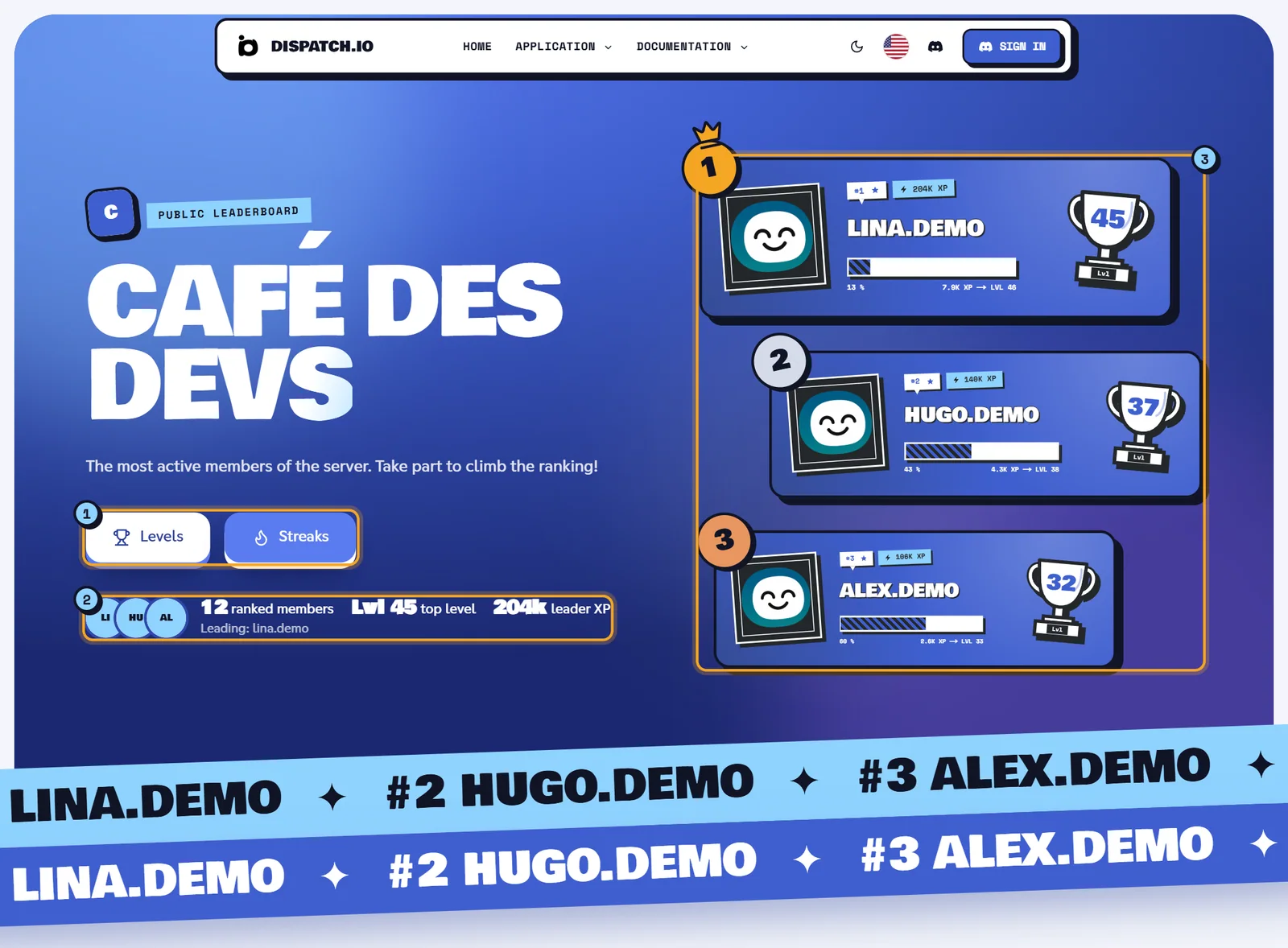
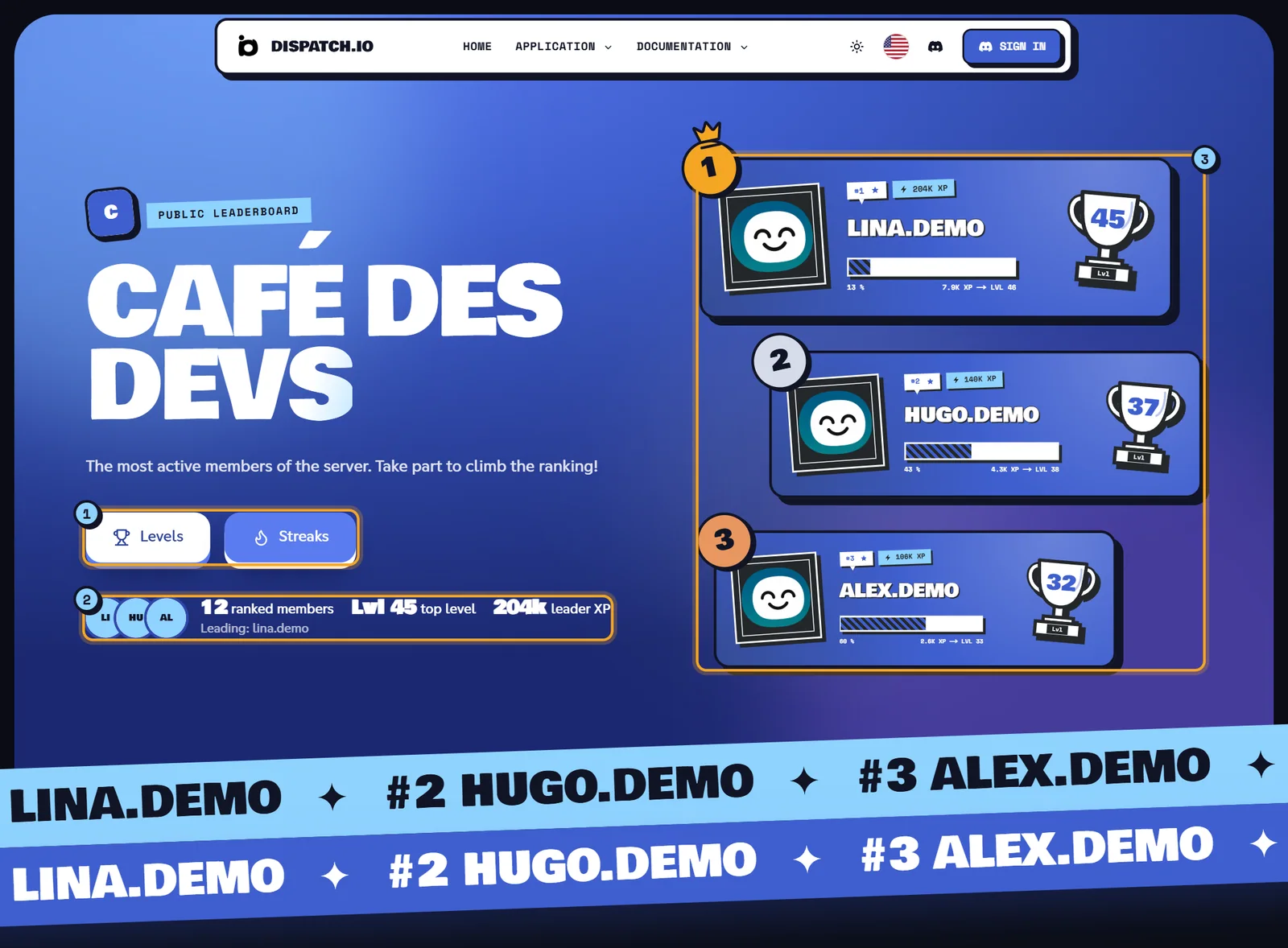
- The leaderboard switch: Levels (trophy) and Streaks (flame). The white button is the page you are on; the other one takes you to the server's other leaderboard.
- The key figures: the avatars of the top three, then the number of Ranked members, the Top level and the Leader XP, with the line "Leading: name".
- The podium: one card per top-3 member, the biggest one (with a crown) for first place. Each card shows the position (
#1), the name, the total XP, the progress through the current level as a percentage, the XP still needed for the next level (for example "2.2K XP → Lvl 32") and the level inside the trophy. Click a card to open that member's rank card.
Above the server name, the tag reads Public leaderboard, next to the server icon (or its first letter when it has no icon). Below the podium, two scrolling bands repeat the names of the top nine.
Note
The podium only shows up once at least one member has earned XP. With no ranked members, the key figures show "—" and the list says "No one has earned XP on this server yet."
The full ranking
Searching, filtering, sorting and browsing the leaderboard.
Below the podium, the Full ranking section lists every ranked member, 10 per page. Next to the title, the website shows the number of ranked members, or "n results of total" when a search or a filter is active.
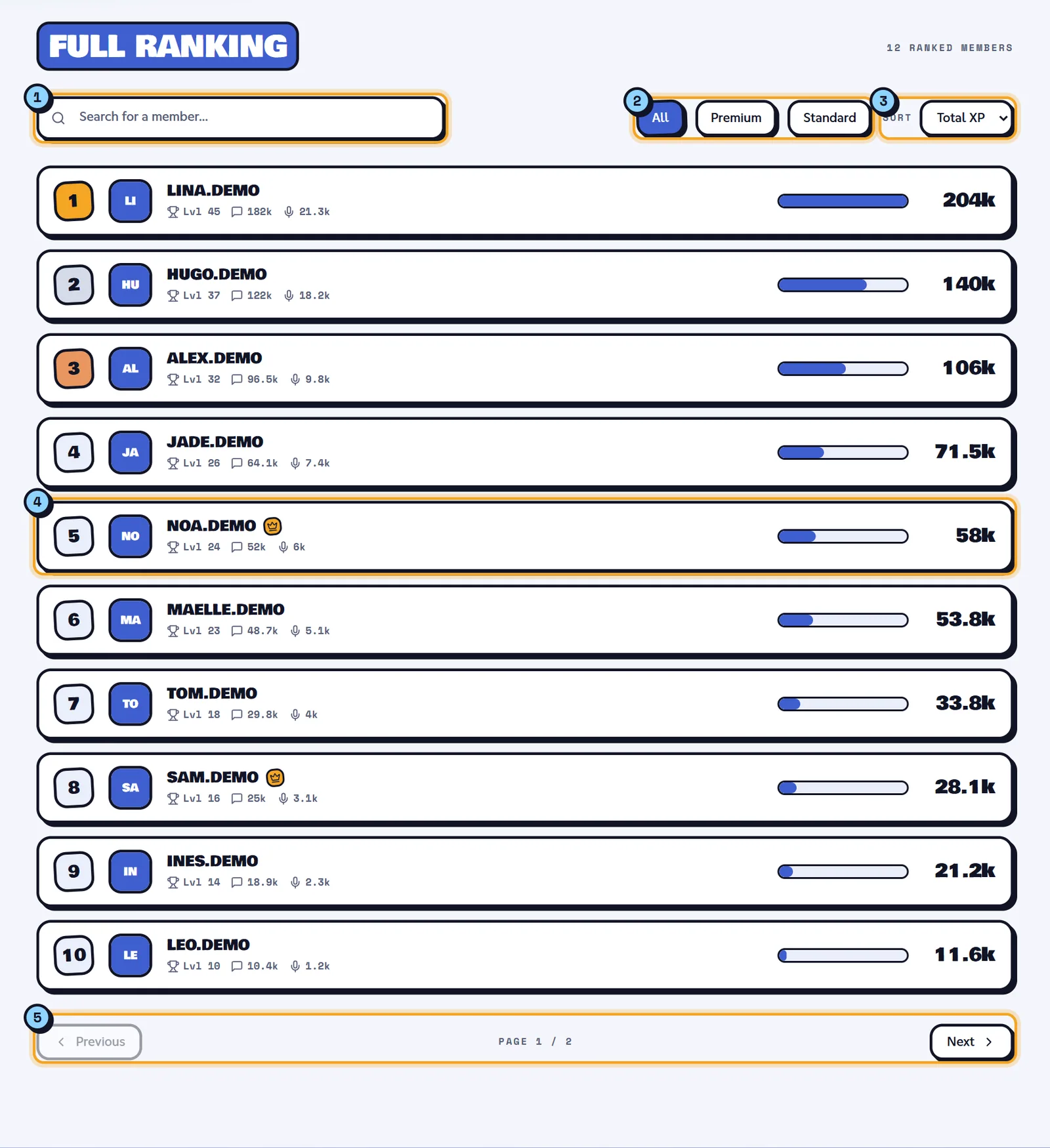
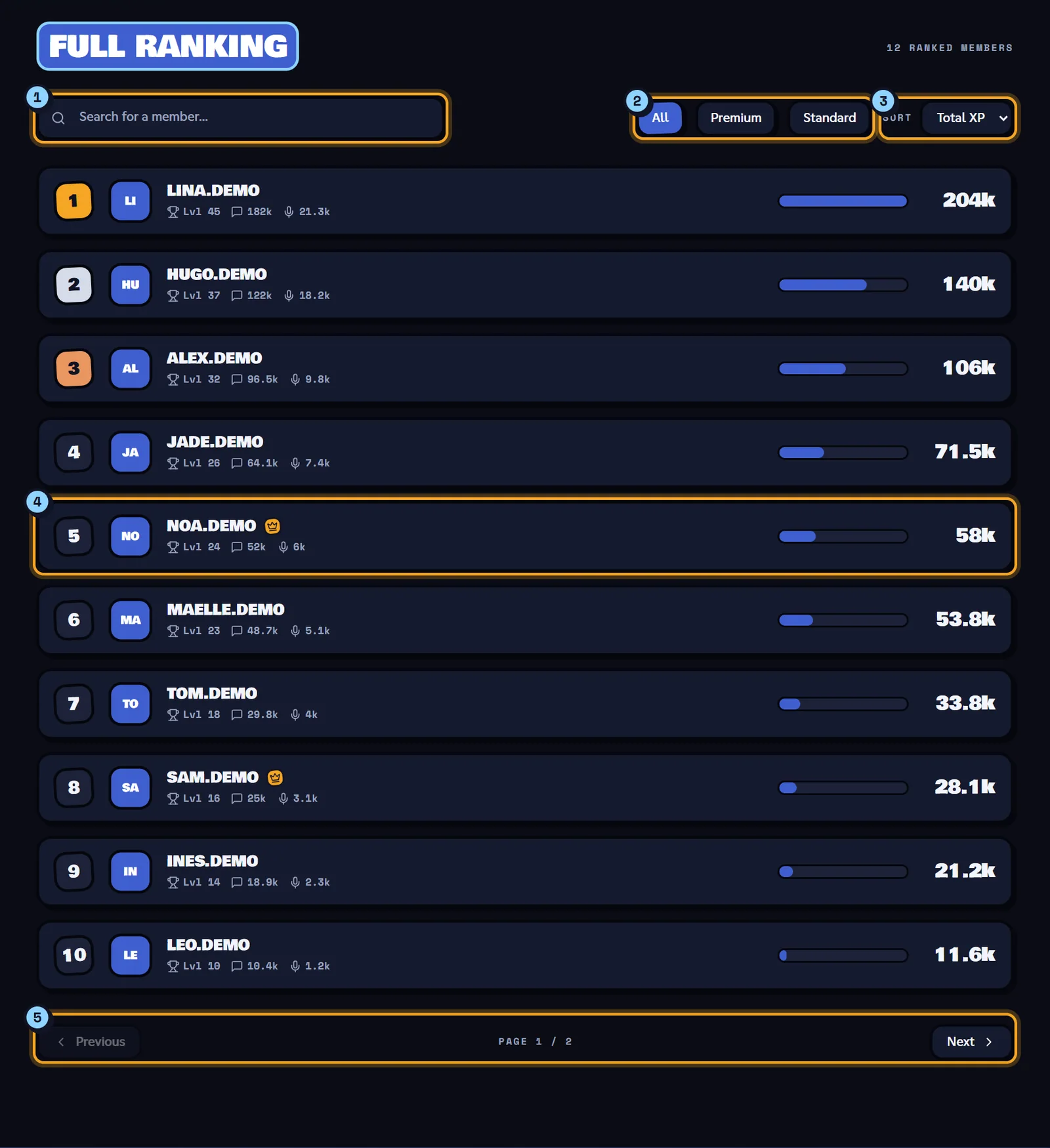
- Search for a member…: type part of a username. The list updates by itself after a short pause; the cross clears the search.
- The filters: All, Premium or Standard (members without the Premium mark).
- Sort: Total XP (default), Level or Name.
- A member row: the position (gold, silver and bronze for the top three), the avatar, the username, the Premium crown when the member has it, the level ("Lvl 12"), message XP (speech bubble) and voice XP (microphone), a bar comparing their XP with the leader's, and the total XP on the right. Hover over a number to see the exact value. Click the row to open the rank card.
- Previous / Next: changes page ("Page 2 / 3"). The page stays scrolled to the list.
Good to know
- Search, filters and sorting are part of the address. You can share a specific view, for example
/en/leaderboard/100000000000000001?q=alex&sort=level. - On this leaderboard, a member's position never changes when you search or sort: it is always their rank by total XP. Sorted by name, positions are therefore not consecutive.
- Search only covers the top 500 members (by total XP).
- The Premium crown marks members who own a Dispatch.IO Premium or Early Supporter badge, as well as Dispatch.IO team members. These members can have their level card image as the background of their row and of their podium card.
- When nobody matches, the list says "No members match this search."
The flame leaderboard
The longest runs of active days.
The flame leaderboard works like the level one, but ranks members by current flame (the number of active days in a row), then by best record when two members are tied. Switch between them with the Streaks / Levels button in the header.
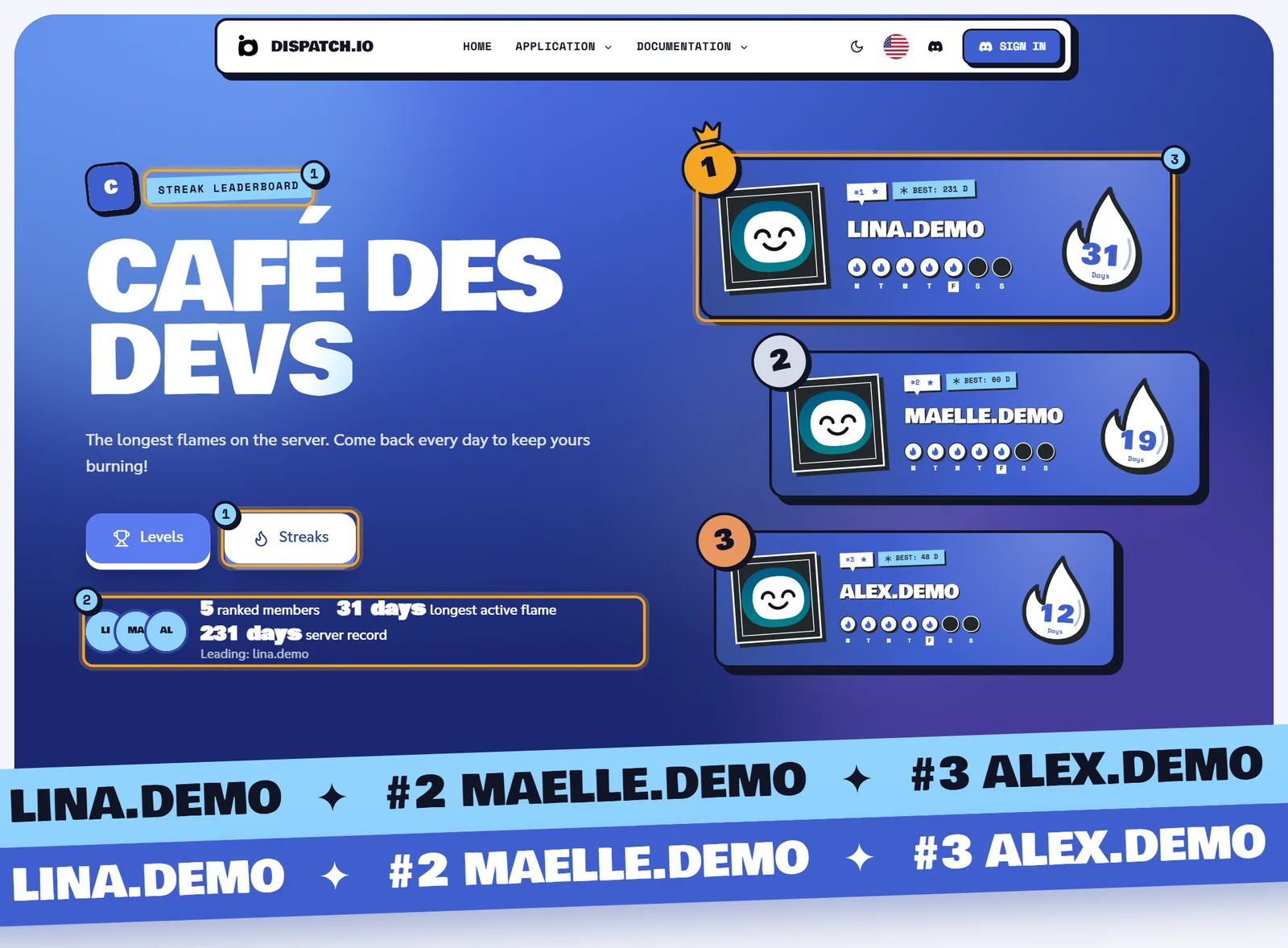
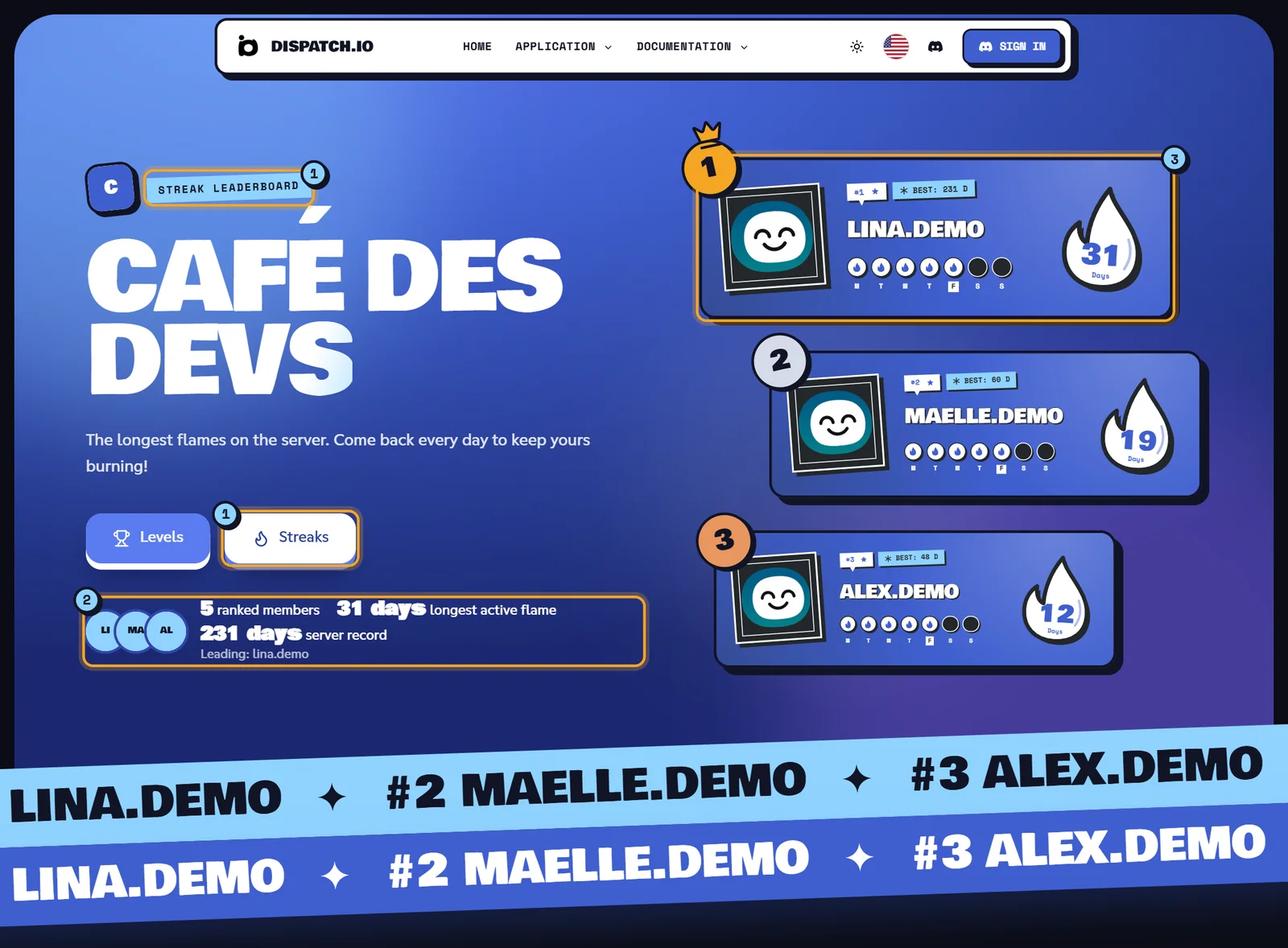
- Streaks is the active button; the tag reads Streak leaderboard.
- The key figures: Ranked members, Longest active flame and Server record.
- The podium: each card shows the number of days of the current flame, the days of the week (done, today, still to come) and the member's record ("Best: 45 d").
What differs from the level leaderboard:
| Item | Flame leaderboard |
|---|---|
| Row details | "12 days" (current flame) and "Best: 45 d" |
| Sort options | Current streak (default), Best record, Name |
| Positions after a search or sort | Recomputed: the displayed list is numbered 1, 2, 3… |
| Empty list | "No one has started a flame on this server yet." |
Tip
The flame rules (what activity counts, freezes, rewards) are explained in Flames (streaks).
A member's rank card
A member's level, XP and flame history.
The rank card is a member's public profile on one specific server. Open it by clicking a row or a podium card, or with the bot's Show Profile button on Discord.
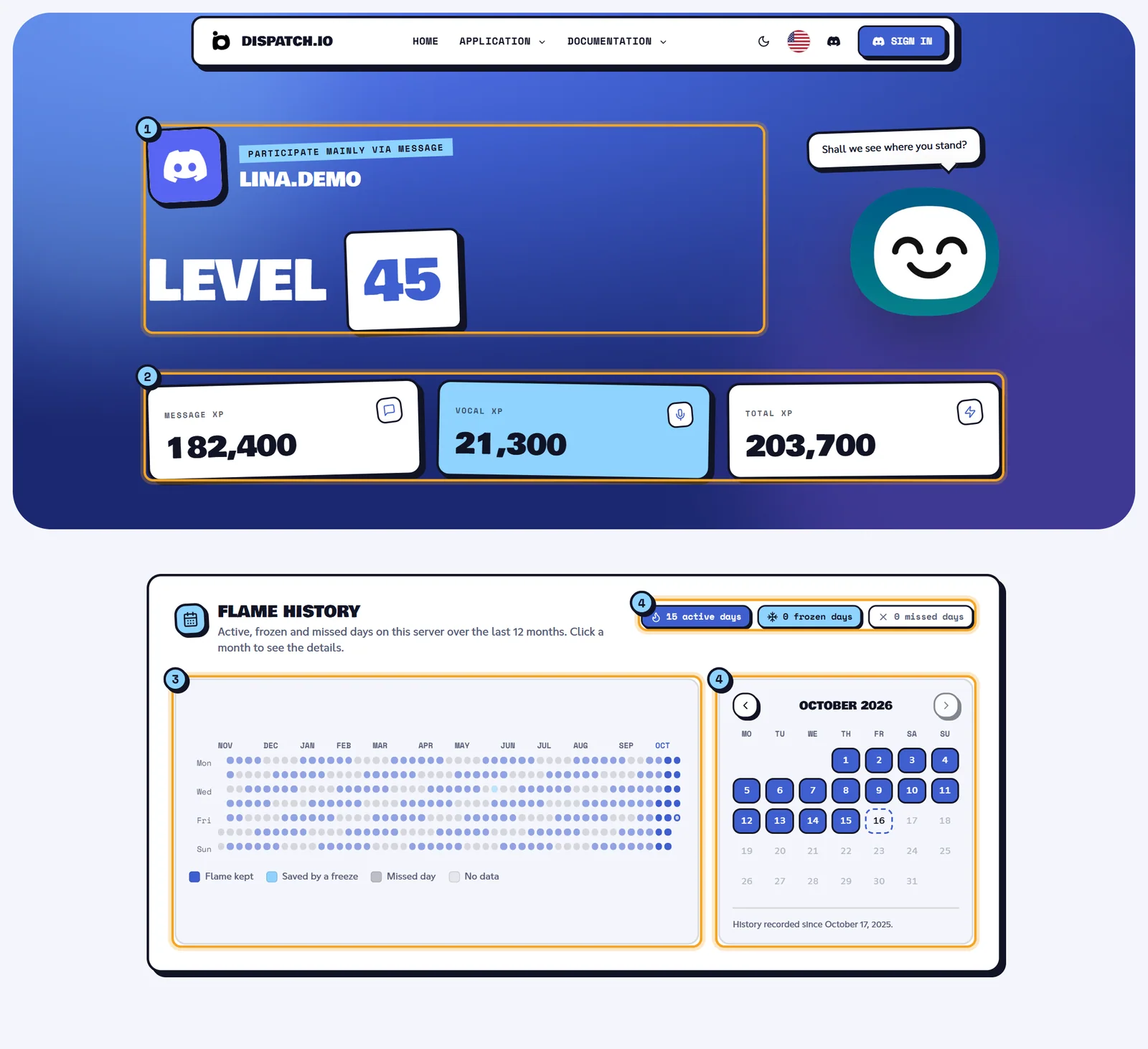
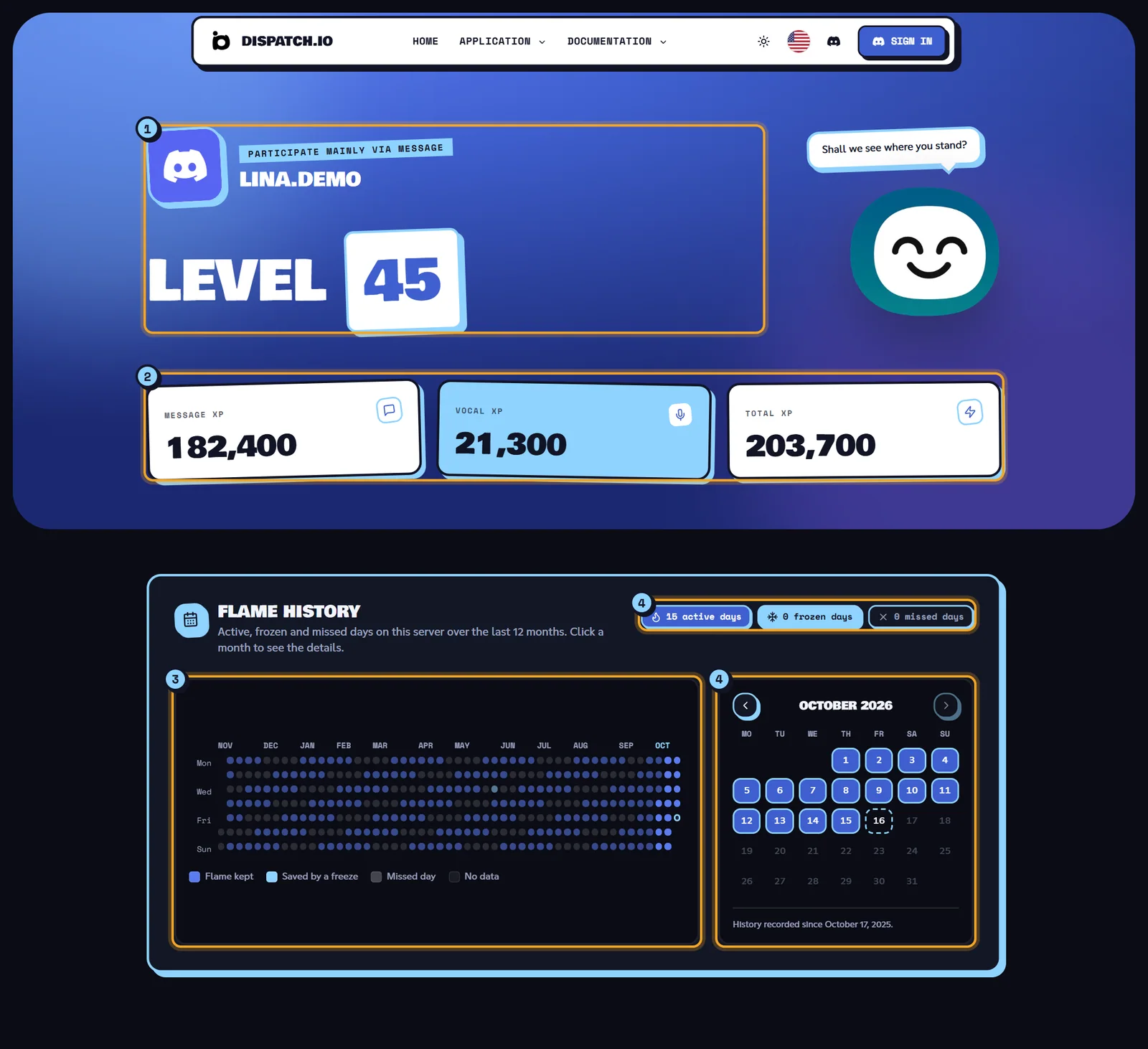
- The header: the avatar, the tag "Participate mainly via" followed by message or vocal (whichever XP is higher; these two words are not translated), the username and the title Level 45.
- The counters: Message XP, Vocal XP and Total XP, as exact numbers.
- The flame history: a grid of the last 12 months, one square per day. Click a day or a month to show it in the calendar.
- The month calendar: Previous month / Next month arrows, and the counts for the selected month ("18 active days", "2 frozen days", "3 missed days").
History colours:
| Colour | Meaning |
|---|---|
| Blue | Flame kept: the member was active that day. |
| Light blue | Saved by a freeze: a freeze protected the streak. |
| Grey | Missed day. |
| Light blue with a ring | Today, not kept yet. |
| Very faint | No data: before the history started. |
Under the calendar, the line "History recorded since …" gives the first tracked day. Days are counted in the server's time zone.
The three possible layouts
- The member has XP: the header with the level and counters, then the flame history if there is one.
- The member only has flames: the title becomes Flame history, followed straight away by the history.
- Neither XP nor flames (or a wrong address): the page shows "Serveur ou utilisateur non trouvé" (this message is only available in French).
Note
The rank card has no link back to the leaderboard. Use your browser's Back button to return to it.
What everyone can see
The public information and what to keep in mind before sharing.
These pages are public: anyone with the link can open them, without an account and without being a member of the server. Search engines may also list them.
| Information shown | Where |
|---|---|
| Server name and icon | All three pages |
| Discord username and avatar of ranked members | Leaderboards, rank card |
| Level, message XP, voice XP, total XP | Level leaderboard, rank card |
| Current flame, record, history of the last 12 months | Flame leaderboard, rank card |
| Premium mark and personal card image | Leaderboards (Premium members only) |
Warning
There is no setting to make a leaderboard private: as soon as a member earns XP or starts a flame, they appear on your server's public pages. Let your community know if you share the link.
Common issues
| What you see | Why | What to do |
|---|---|---|
| The "This page got lost." page (404 error) | The server ID is wrong, or the bot doesn't know this server. | Check the ID you copied from Discord. The bot must be installed on the server. |
| "No one has earned XP on this server yet." | No member has XP on this server. | Turn on levels and let your members chat. |
| "Serveur ou utilisateur non trouvé" on a rank card | The member has neither XP nor flames on this server, or the address is wrong. | Open the card from the leaderboard, or use the bot's Show Profile button. |
| Search doesn't find a member | They are not in the top 500, or their username changed. | Search for another part of the username, or browse the list. |
For other website issues, see Website troubleshooting.