
Flames reward consistency: every day a member is active on the server, their flame grows by one day; if they miss a day, it goes back to 1. The Flames page sets enabling, the announcement channel, the texts, the options (mentions, nickname, freezes) and, with the Ultimate plan, role rewards and the card image.
It is meant for administrators. What counts as activity and what the announcements look like are detailed in the Flames (streaks) module.
Page overview
Open Configuration > Flames in the menu or the Flames tile of the server home.
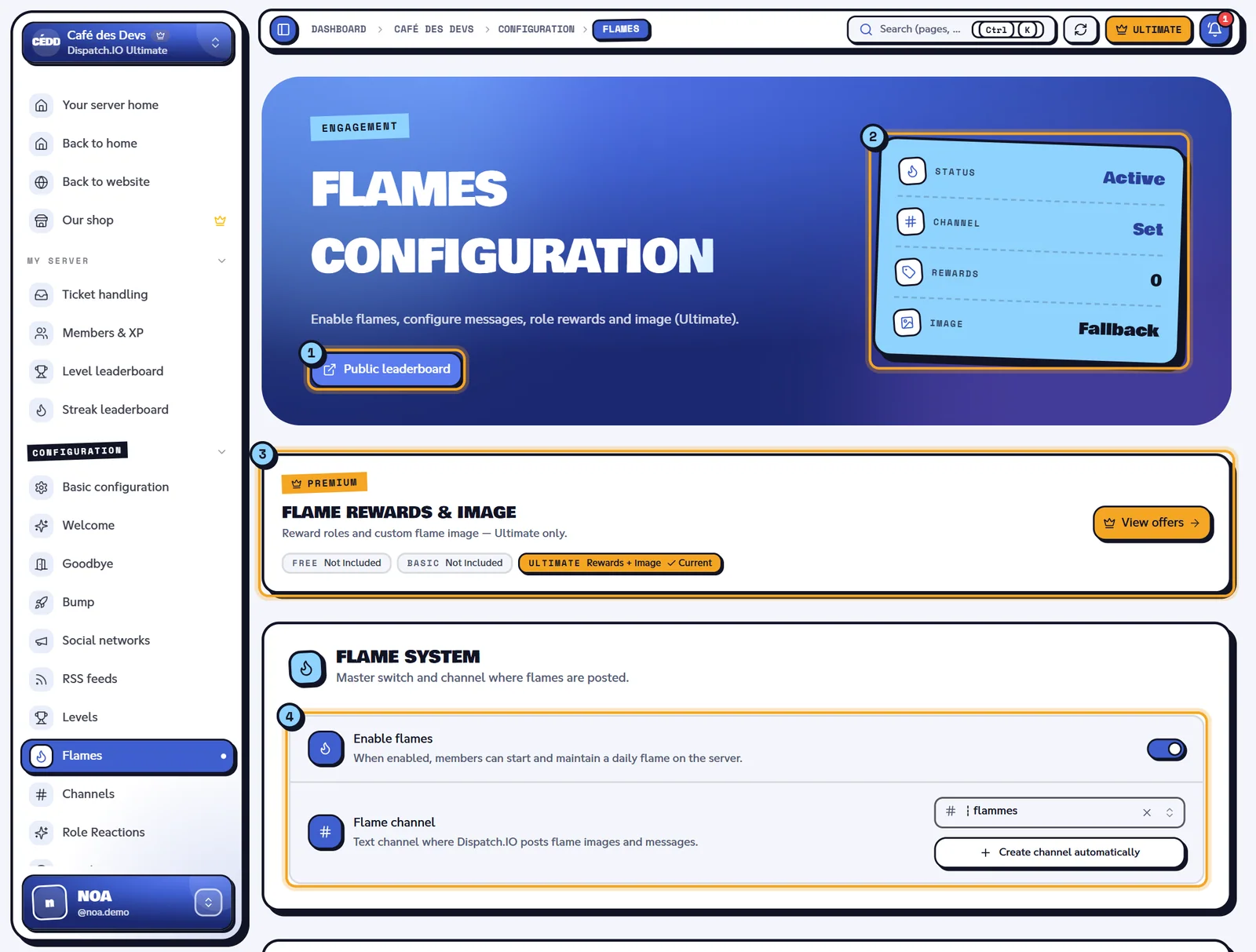
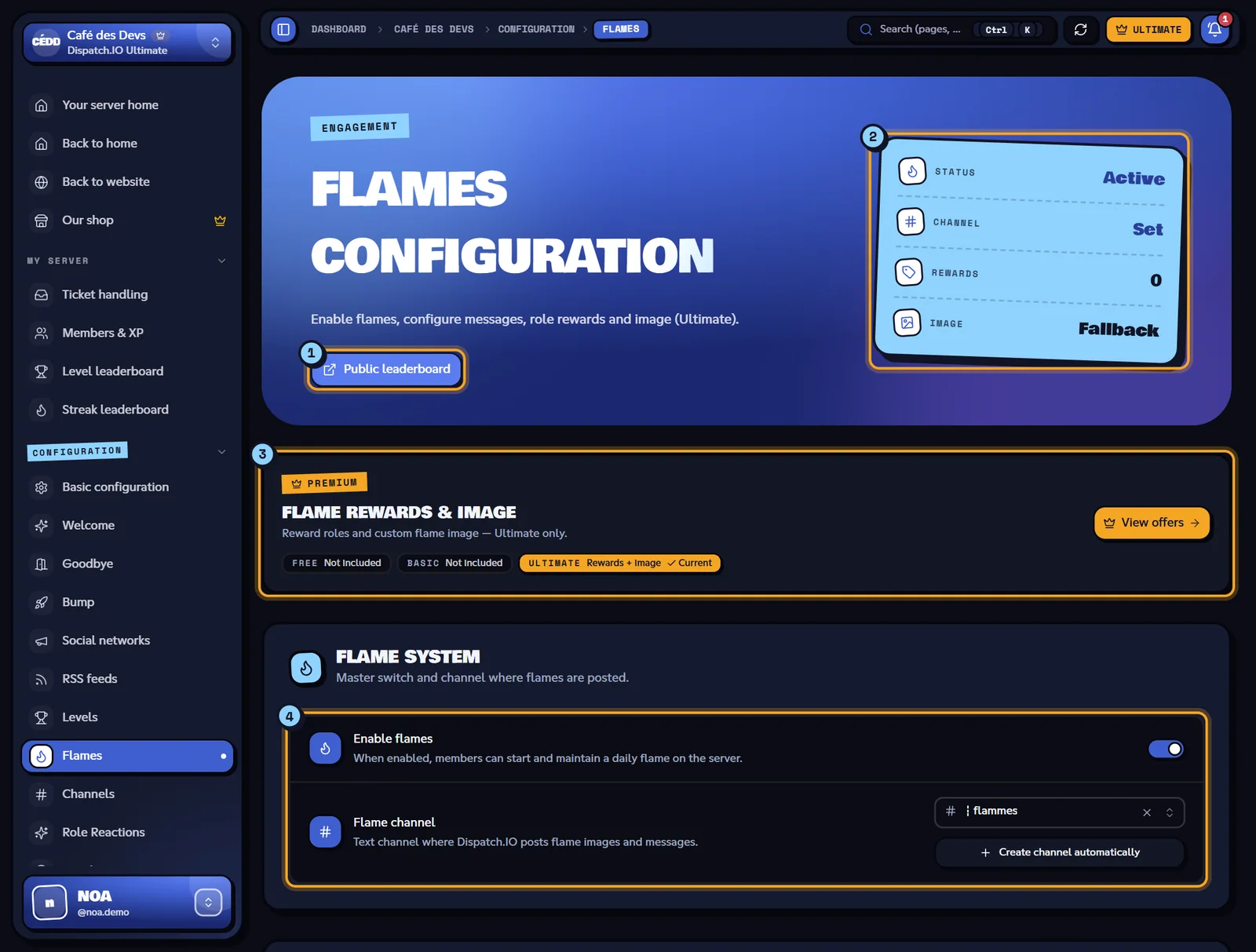
- Public leaderboard: opens the flame leaderboard in a new tab.
- Indicators: Status (Active or Off), Channel (Set or Off), Rewards (number of roles) and Image (Custom or Fallback).
- Flame rewards & image banner: these two options are reserved for the Ultimate plan.
- Enable flames and Flame channel.
Turning flames on and choosing the channel
- Enable flames: off until you have saved it once. Once on, a member's flame is validated by their first activity of the day on the server (message, joining voice or command). The day follows the server timezone, set in Basic configuration.
- Flame channel: the channel where the bot posts the flame message and card. The Create channel automatically button creates a
┇flammeschannel and selects it ("Channel … created and selected."). Without a channel, flames still count, but nothing is posted.
It is the same channel as Flames on the Channels page.
Customising the messages
The Messages block holds two texts (2000 characters max each, Discord Markdown accepted). The available variables are shown under each title: type them in the text.
| Message | When | Variables | Default text |
|---|---|---|---|
| Start message | A member starts or restarts their flame (day 1) | {user} (mention), {userName} (username), {day} (day) | ### 🔥 `{user}` starts their daily flame! |
| Progress message | A member keeps their flame for one more day | {userName}, {day} | ### 🔥 `{userName}` keeps their {day}-day flame going! |
- Reset puts the default text back. Both messages are required: an empty message is refused when saving.
{user}only works in the start message. In the progress message, use{userName}(see Milestone mentions to mention the member).- Default texts are in the website language at the time of the first save: check them if your server uses another language.
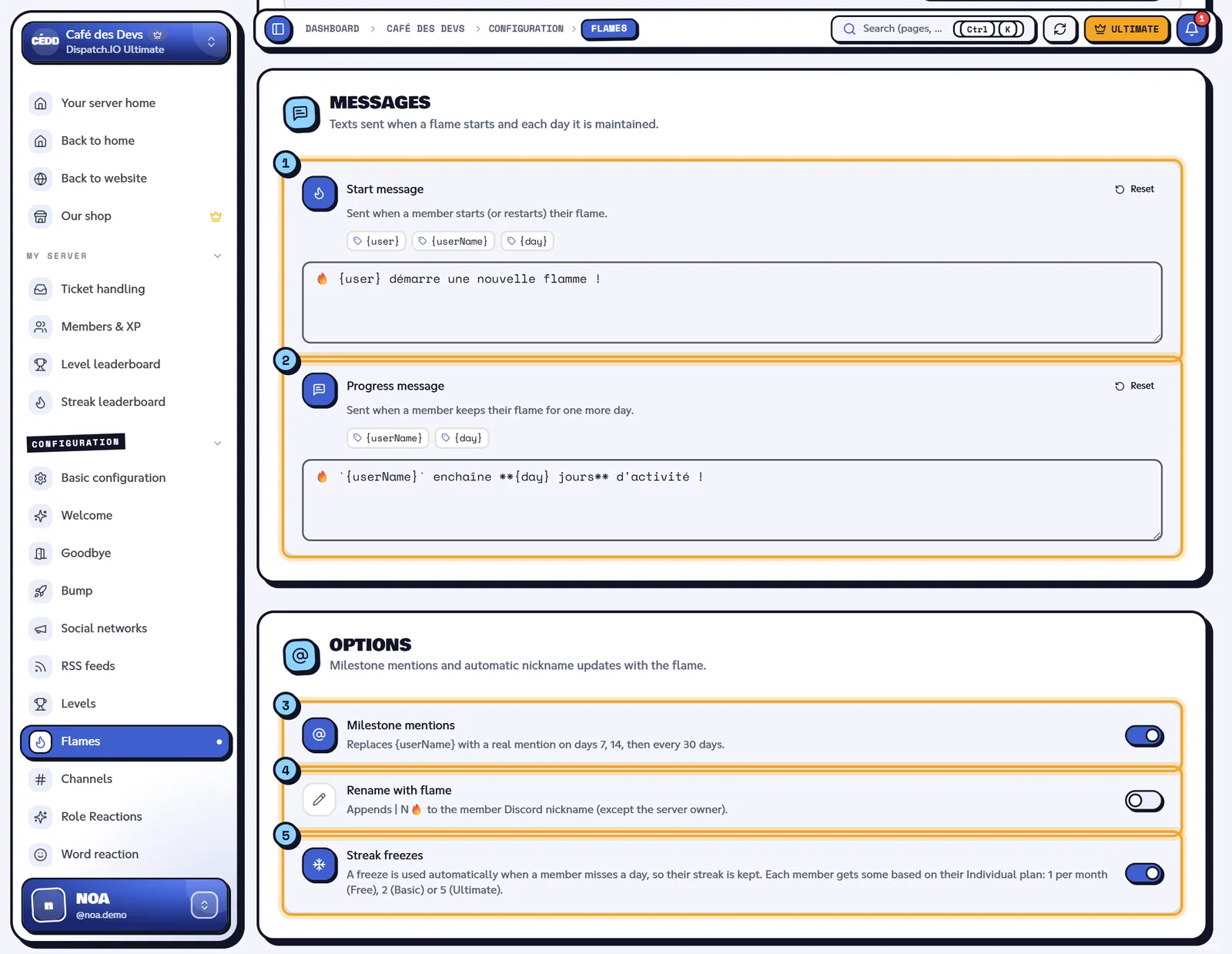
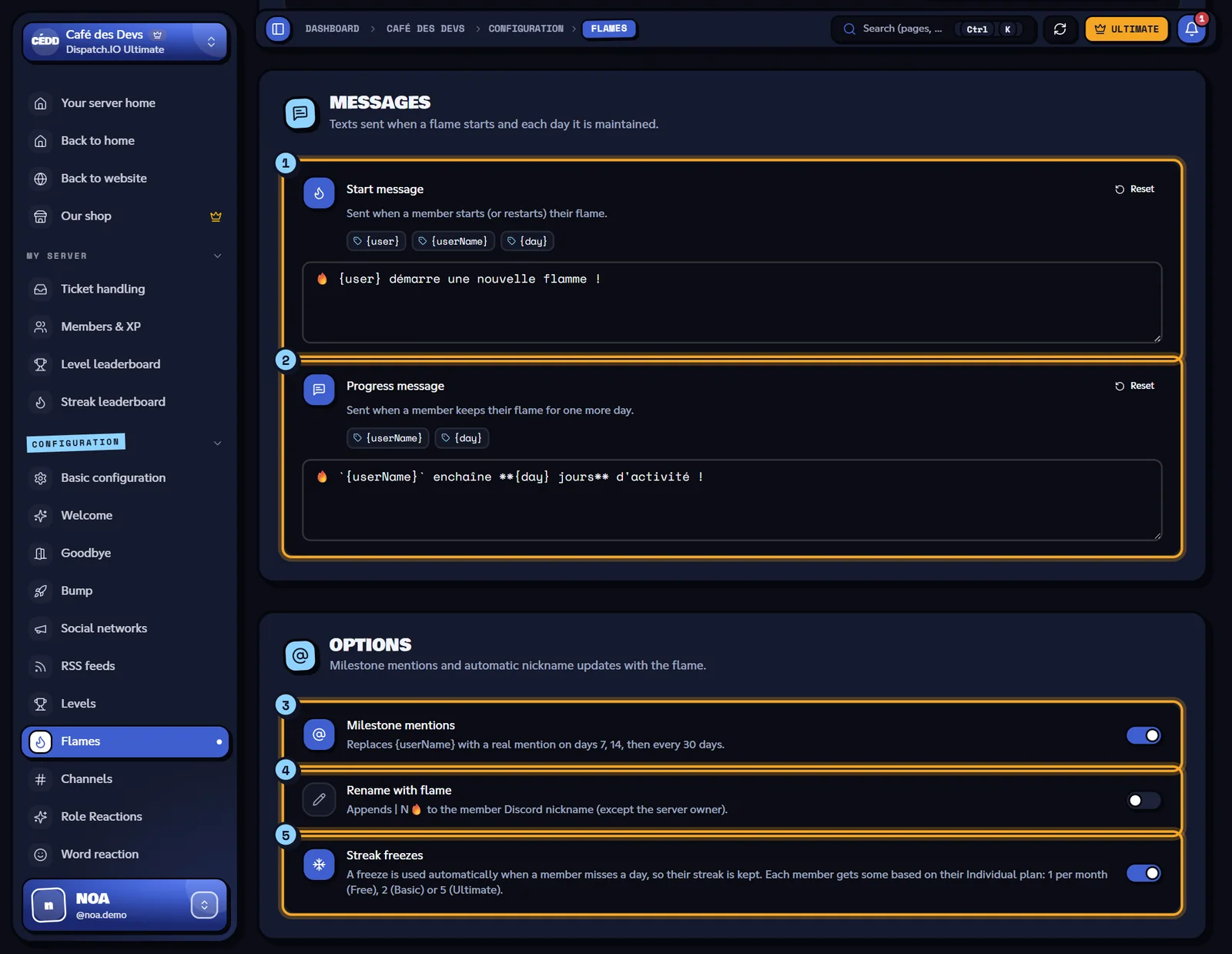
- Start message, with its variables and Reset.
- Progress message.
- Milestone mentions.
- Rename with flame.
- Streak freezes.
Options
| Option | What it does | Default |
|---|---|---|
| Milestone mentions | On days 7, 14 and then every 30 days (30, 60, 90…), {userName} is replaced with a real mention in the progress message: the member gets a notification. | Off |
| Rename with flame | Appends | N🔥 to the member's Discord nickname (except the server owner). The bot needs the Manage Nicknames permission and a role above the member's. | Off |
| Streak freezes | When a member misses a day, a freeze is used automatically to keep their streak. | On |
The number of freezes depends on each member's individual plan (not the server's): 1 per month with Free, 2 with Basic, 5 with Ultimate. Turning the option off prevents freezes from being used on your server.
Role rewards (Ultimate)
With the Ultimate plan on the server, the Role rewards block gives a role when a member reaches a flame day.
- Type the Day (1 to 999, 7 by default).
- Pick the Role.
- Turn on Provisional role if the role must be removed the next day (for example given on day 7, removed on day 8).
- Click Add, then save the page.
The member gets every role whose day is lower than or equal to their flame; a provisional role is only kept on its exact day.
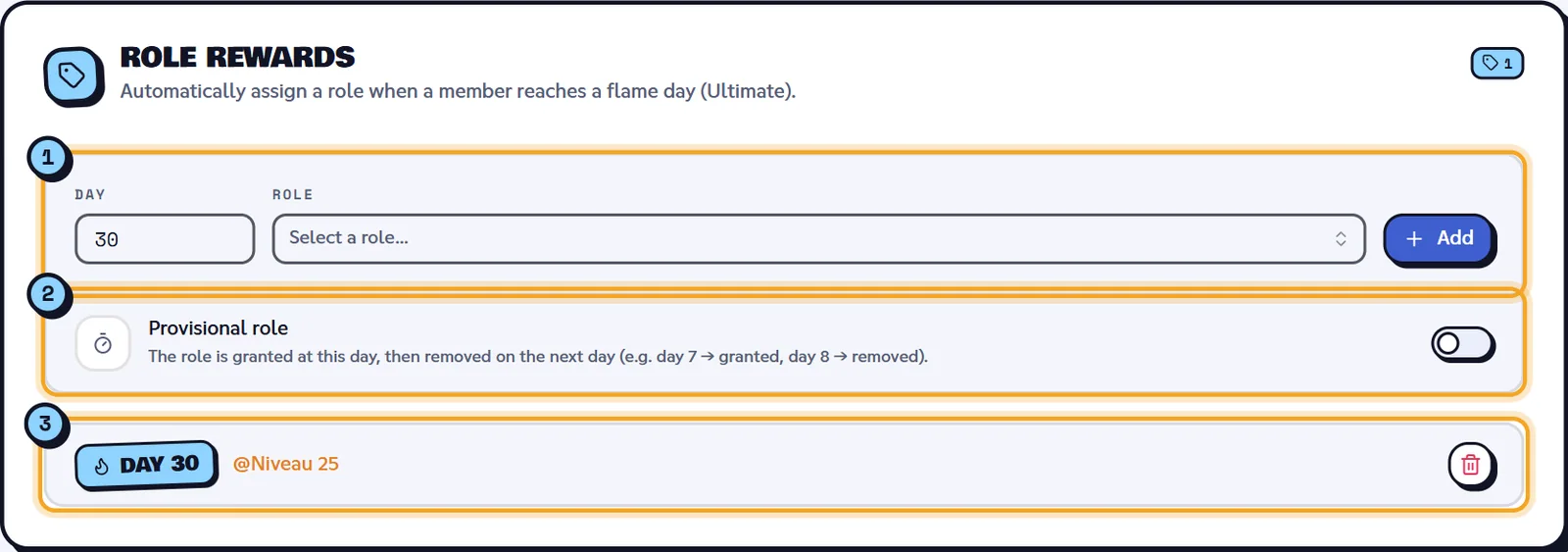
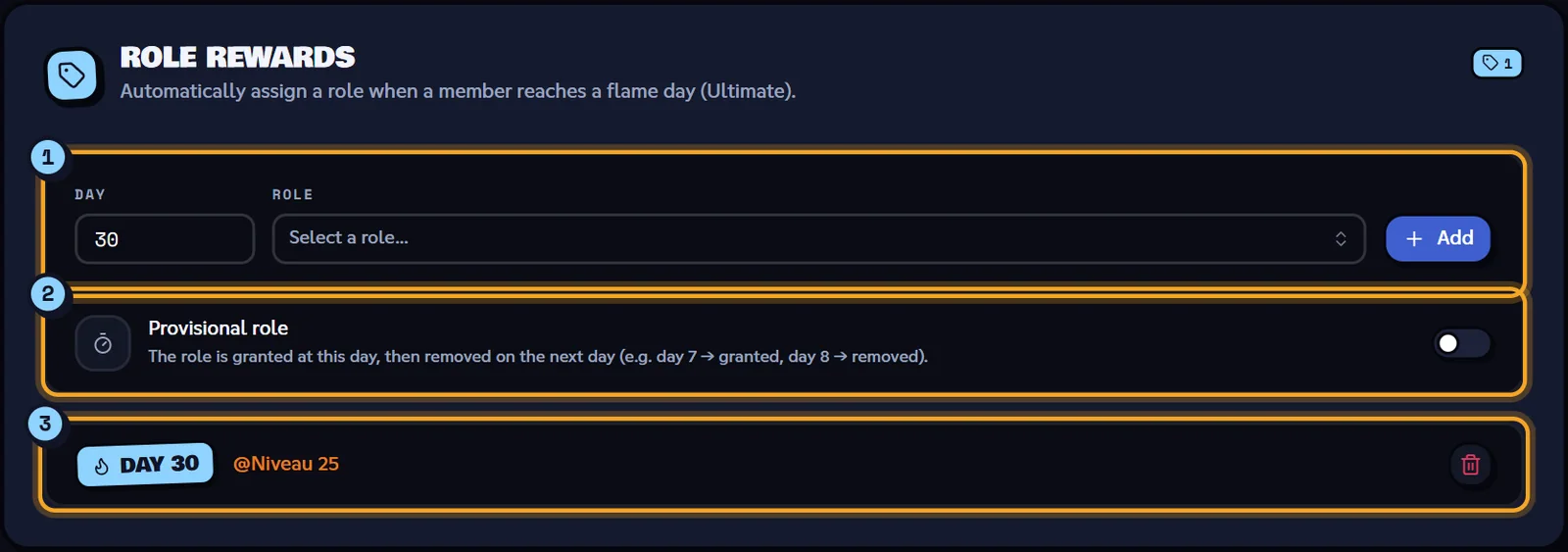
- The add row: Day, Role, Add.
- The Provisional role switch.
- The list, with the Day … badge and the role.
| Message | Cause |
|---|---|
| "Day must be between 1 and 999." | Day out of range. |
| "Choose a role for the reward." | No role picked. |
| "A reward already exists for this day." | One role per day. |
Without Ultimate, the block is greyed out with "Available with Dispatch.IO Ultimate. Your settings stay saved and turn back on when you renew." and the View Ultimate button. Rewards already saved are kept but not given while the plan isn't active.
Flame image (Ultimate)
The Flame image block picks the background of flame cards, separately from welcome: Import an image (PNG, JPG, WEBP or GIF, 5 MB max), an image link, or Remove dedicated image (fallback). The Flame card background preview shows the chosen image (not the full card).
Without a dedicated image, the bot uses the welcome banner, otherwise its default image. A premium member who picked their own flame card background keeps theirs. Without Ultimate: "The flame image is reserved for Dispatch.IO Ultimate." and the saved image isn't used.
Saving
Click Save changes in the bottom bar: "Flame configuration saved.". The bot applies the configuration immediately.
| Message | Cause |
|---|---|
| "Failed to save flame configuration." | Saving failed: try again. |
| "Start and progress messages are required." | One of the two messages is empty. |
| "Image is too large. Please re-upload a smaller image (PNG/JPG under 5 MB)." | Image too heavy. |
| "Could not create the flame channel." | The channel couldn't be created (Manage Channels permission). |
| "Flames updated by …" | Another administrator just saved. |
Related pages
- Flames (streaks): what validates a day, freezes, announcements.
- Leaderboards and rank cards: the public flame leaderboard.
- Server home: the server timezone.
- Premium plans and limits: Ultimate and freezes per individual plan.