
Two pages of the Configuration menu post outside content in your channels:
- Social networks: new videos from a YouTube channel and live streams from a Twitch channel, with an optional role to mention.
- RSS feeds: new articles from an RSS or Atom feed (blog, news site, status page…).
This page is for server owners and administrators. The exact content of the posted messages is covered in Social networks and RSS (module).
Social networks: the page
In the left menu, Configuration group, click Social networks.
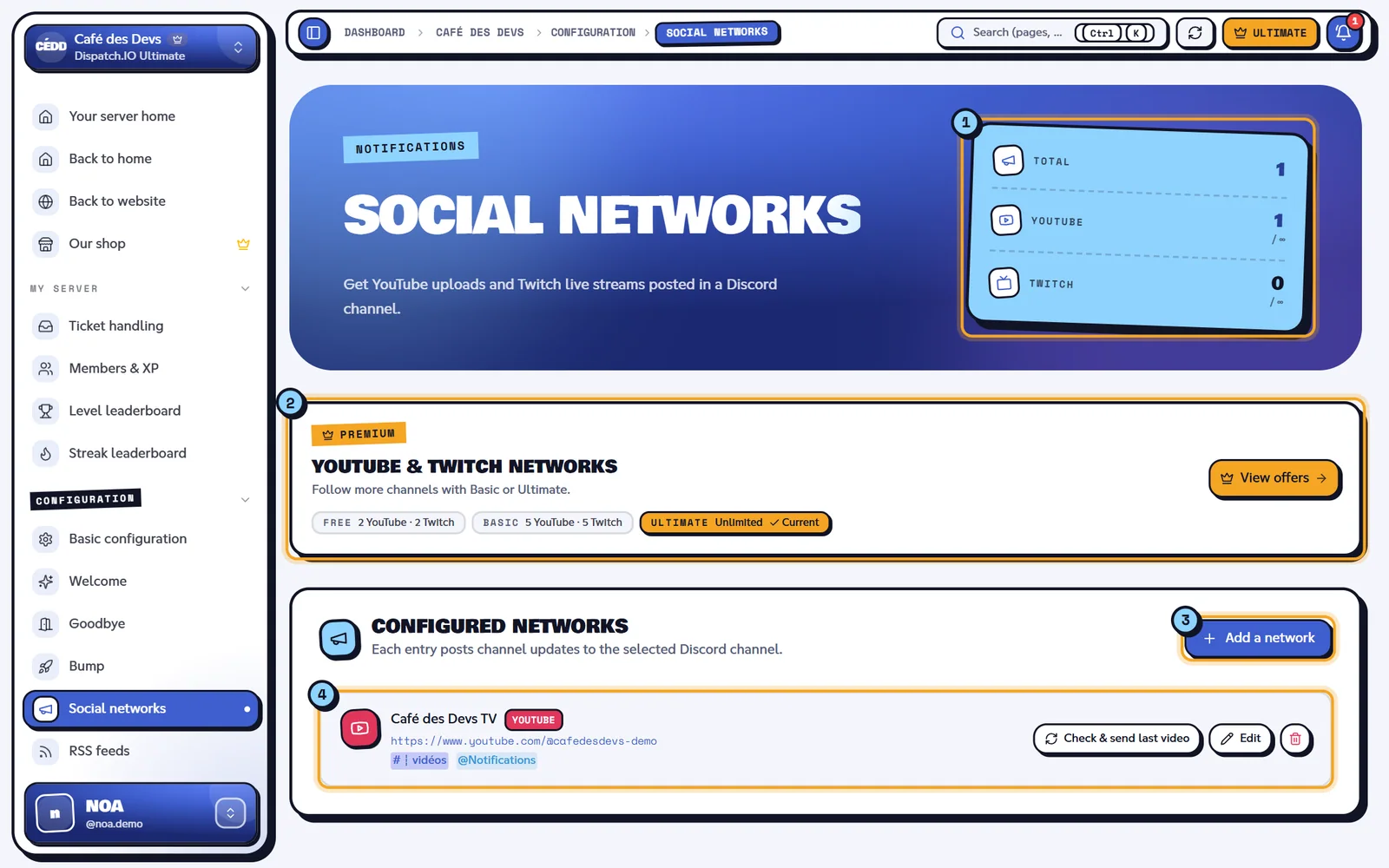
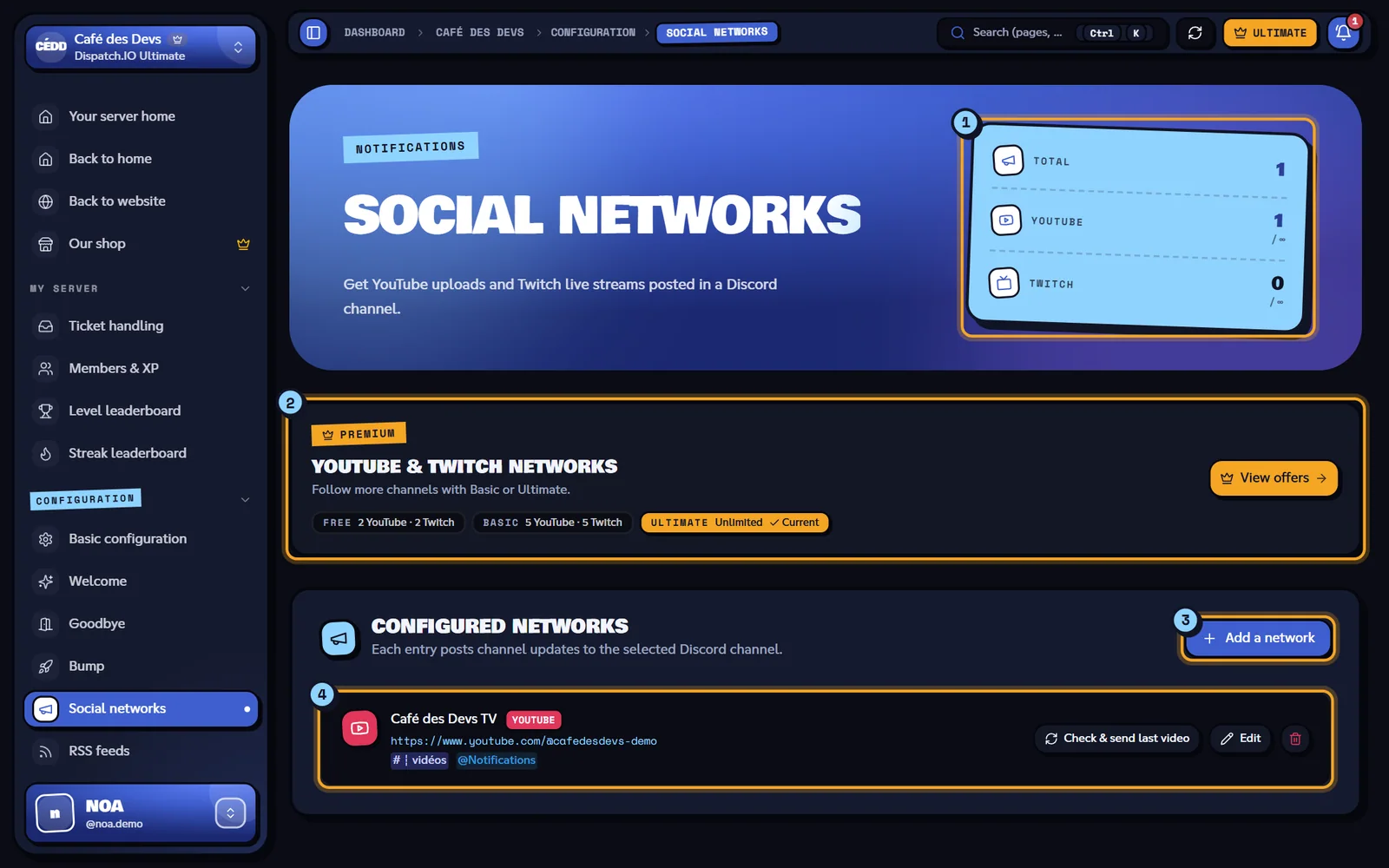
- The counters: Total, then YouTube and Twitch (followed channels / your plan's maximum, ∞ when unlimited).
- The Premium banner with each plan's limits.
- Add a network opens the editor.
- Each followed channel: platform, title, link, notification channel, mentioned role (or No role), then the Check & send last video button, Edit and the bin icon.
Add a YouTube or Twitch channel
- Click Add a network. The Add a network editor replaces the list.
- Fill in the fields below.
- Click Add. The site checks the channel with YouTube or Twitch, then shows "Social network added." and goes back to the list.
| Field | Effect | Values | Default |
|---|---|---|---|
| Title | Name shown in the bot's messages. | Required, 20 characters max. | — |
| Platform | The service to watch. | YouTube or Twitch | YouTube |
| Link or username | The channel to follow. | YouTube: https://www.youtube.com/@handle or @handle. Twitch: https://www.twitch.tv/name or name. The site completes the address on its own. | — |
| Notification channel | The channel the bot posts in. | A text or announcement channel. Required. | — |
| Role to mention | Role pinged on every post. | A role, or No role (optional). | None |
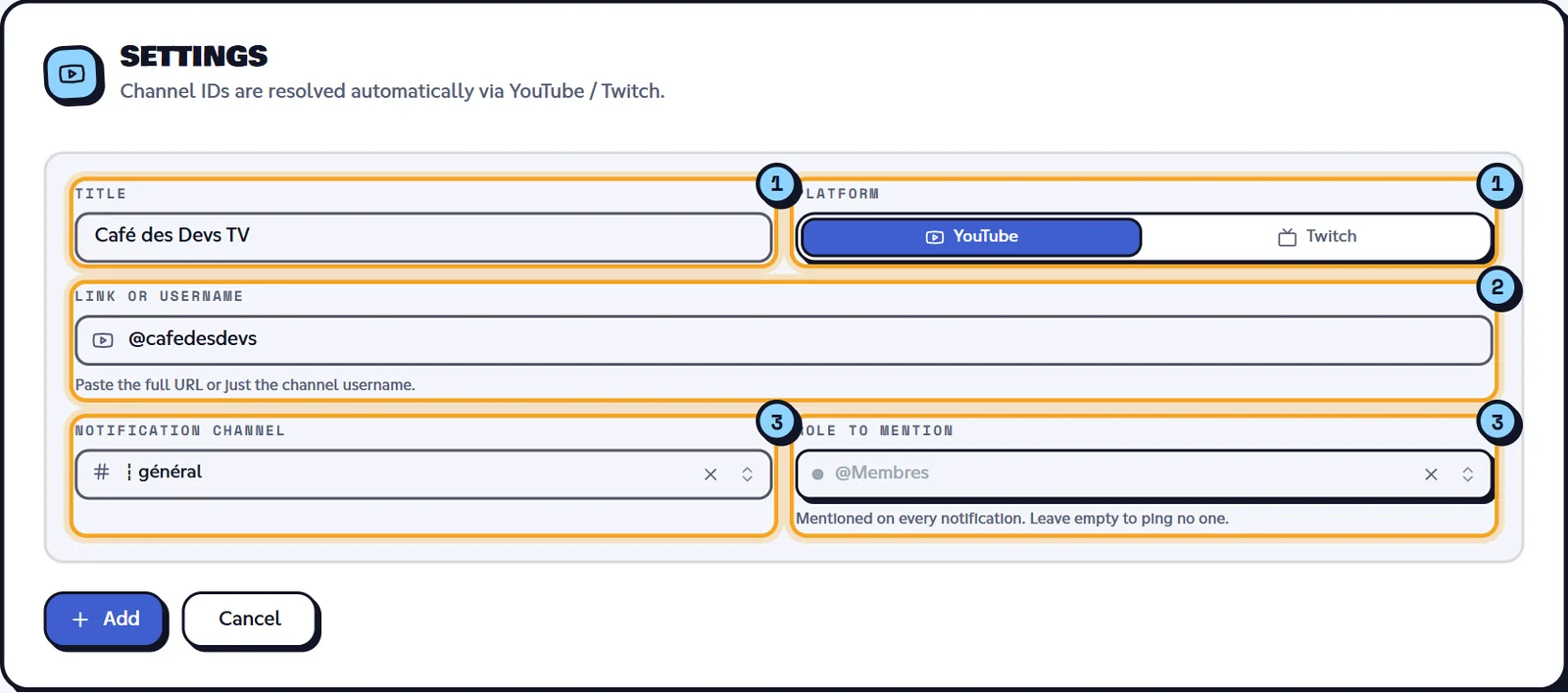
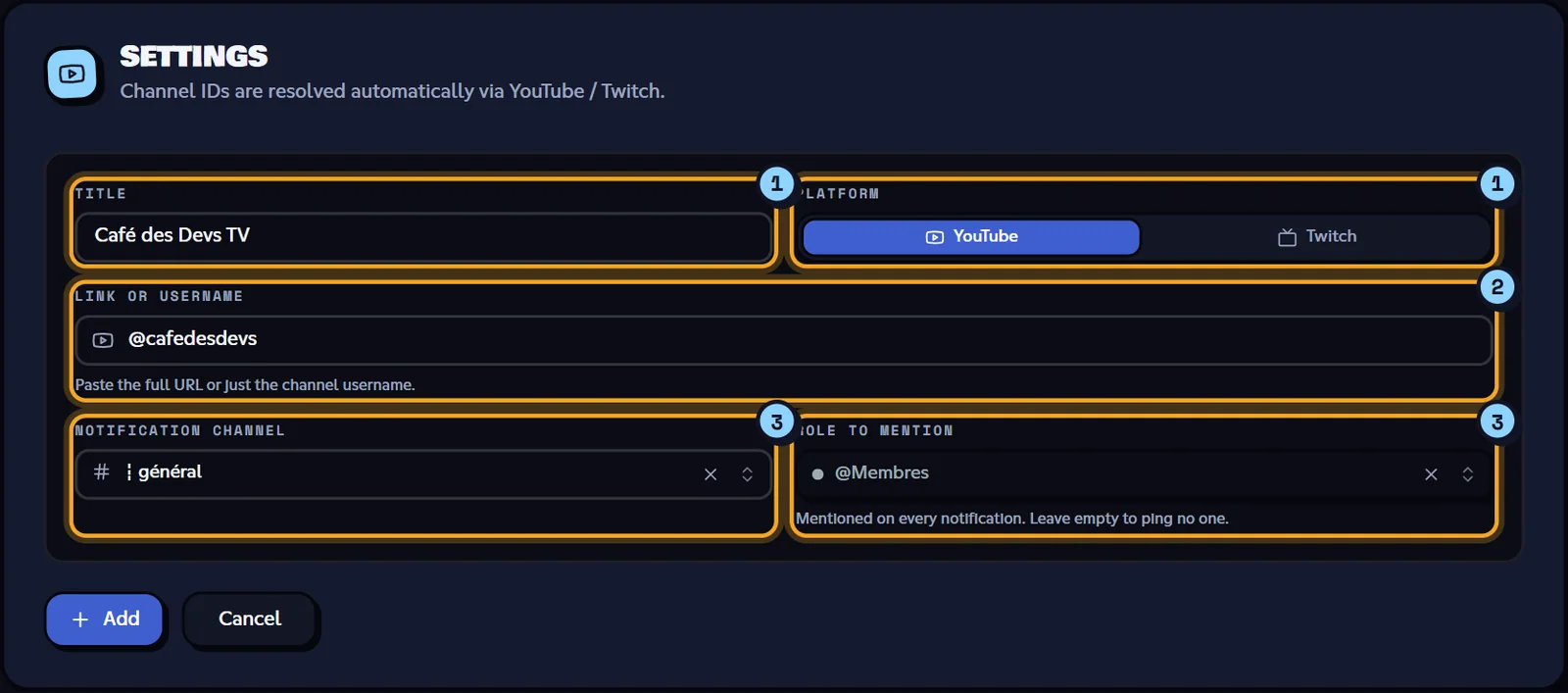
- Title and Platform.
- Link or username: paste the full address or just the handle.
- Notification channel and Role to mention.
The Add button stays greyed out until the title, link and channel are filled in. Cancel goes back to the list without saving.
What the bot posts
| Platform | When the bot checks | What it posts |
|---|---|---|
| YouTube | Every 2 hours (Dispatch.IO default setting). | The channel's latest video if it hasn't been announced on your server yet, with buttons to watch the video, visit the channel and subscribe. So on the first check after you add it, the most recent video is posted. |
| Twitch | Every 30 seconds (default setting). | A message as soon as the stream goes live (with the current game), updated during the stream, then replaced by the replay when it ends. |
The chosen role is mentioned at the top of each message. Messages are written in the server's language.
Tip
Just added a YouTube channel and don't want to wait 2 hours? Use Check & send last video (see below).
The Check & send button
Check & send last video asks the bot to check the channel right now:
- YouTube: "Check started: the latest YouTube video will be posted." The latest video is posted, even if it was already announced.
- Twitch: "Check started: the Twitch live or latest VOD will be updated."
The button then has a cooldown that depends on the server's plan (30 minutes on Free, 15 on Basic, 10 on Ultimate). Meanwhile it shows the time left and its tooltip says "Next check in …".
Edit or delete a channel
- Edit opens the Edit network editor; click Save to apply ("Social network updated."). Changing the link or the platform amounts to recreating the network.
- The bin opens the "Delete this network?" dialog: Delete removes the channel and its notifications (cannot be undone), Cancel closes the dialog.
RSS feeds: the page
In the left menu, Configuration group, click RSS feeds.
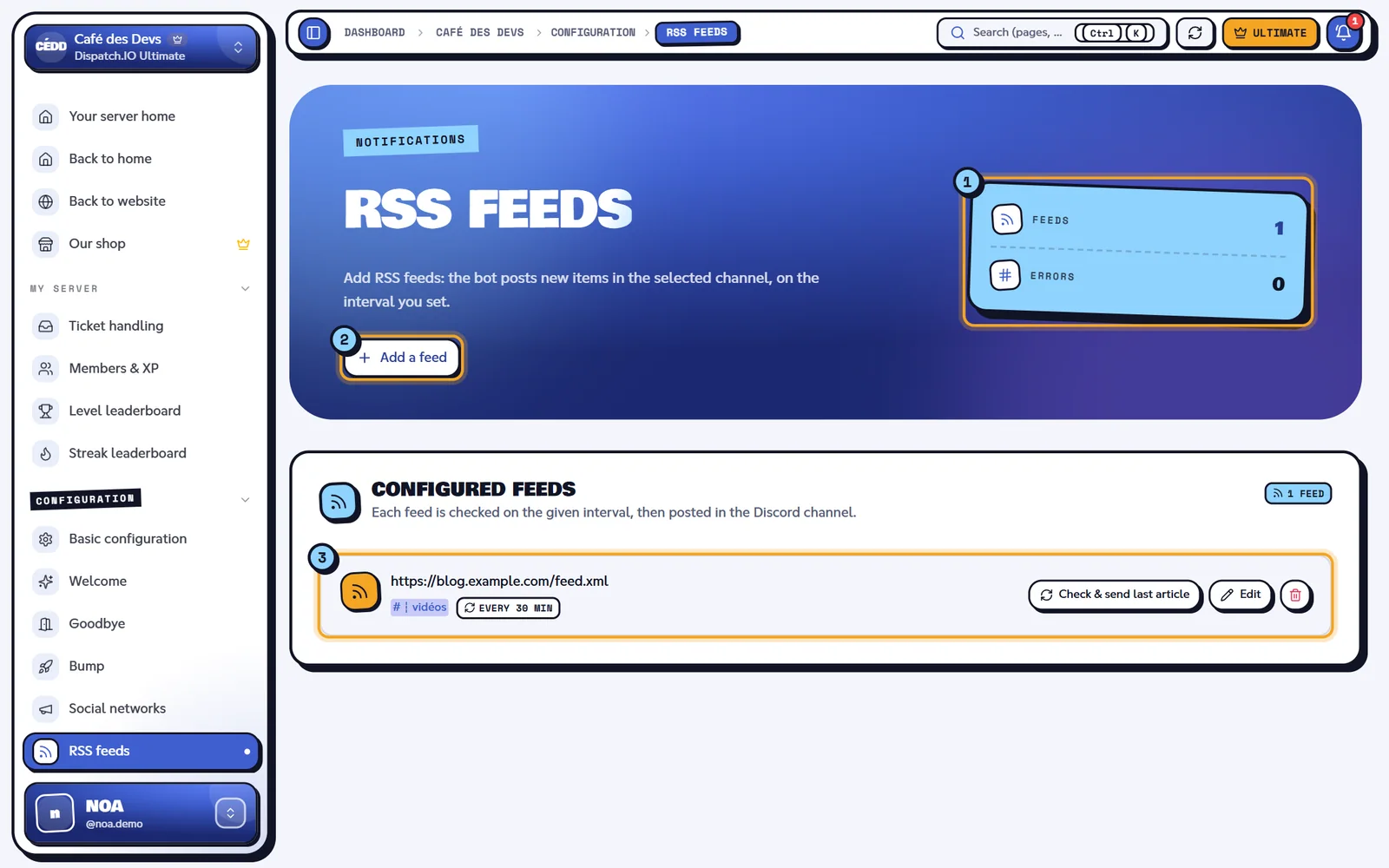
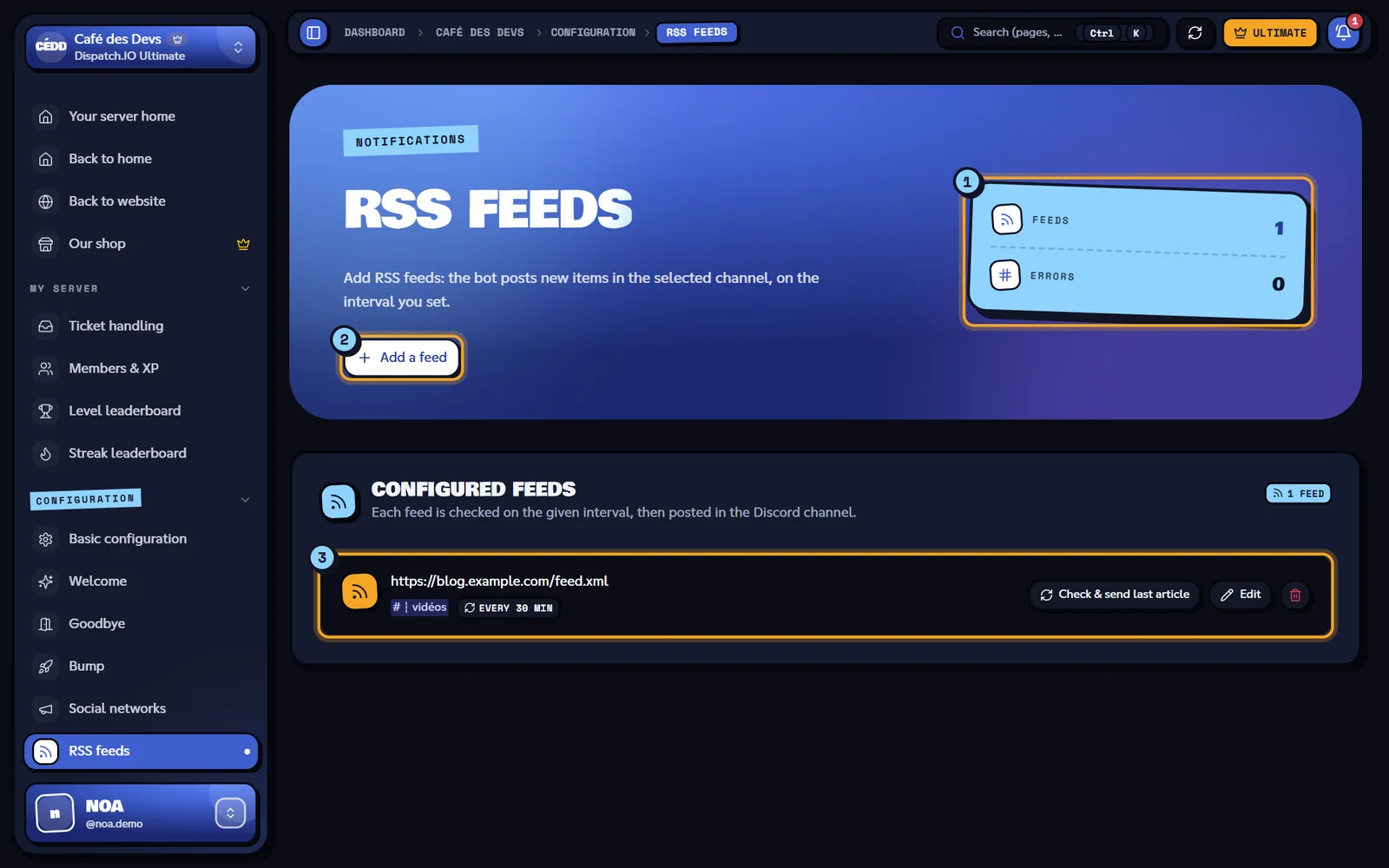
- The Feeds counter (number of feeds) and Errors (feeds whose last check failed).
- Add a feed opens the editor.
- Each feed: its address, the channel, "Every N min" and, in red, "Last error: …" if needed; then Check & send last article, Edit and the bin icon.
The number of feeds is not limited, whatever the plan.
Add an RSS feed
- Click Add a feed. The Add an RSS feed editor opens.
- Fill in the fields below, then click Add ("RSS feed added.").
| Field | Effect | Values | Default |
|---|---|---|---|
| RSS feed URL | The address of the feed to follow. The site downloads it before saving to check that it really is an RSS or Atom feed. | Full http:// or https:// address, 512 characters max. | — |
| Interval (minutes) | Minimum time between two checks of the feed by the bot. | 1 to 1440 minutes (24 h). | 5 |
| Notification channel | The channel the bot posts in. | A text or announcement channel. | — |
The same feed can be followed in several channels, but not twice in the same channel.
What the bot posts for a feed
- The bot goes through every feed every minute and checks each feed as soon as its interval has elapsed.
- On each check, it looks at the feed's most recent article: if it hasn't been posted on your server yet, it posts it (title, beginning of the text, image if any and a Read more button). If several articles came out between two checks, only the most recent one is posted.
- On the first check after you add a feed, the most recent article is posted.
- If the feed can't be read (unreachable address, invalid content…), the page shows "Last error: …" with the technical message. Once the issue is fixed, open the feed with Edit and save it to clear that message.
- If the notification channel was deleted on Discord, the bot posts nothing: pick another channel with Edit.
Check & send last article posts the latest article right away ("Check started: the latest RSS article will be posted."), with the same cooldown as social networks. The bin opens the "Delete this RSS feed?" dialog.
Limits per plan
| Free | Basic | Ultimate | |
|---|---|---|---|
| YouTube channels | 2 | 5 | Unlimited |
| Twitch channels | 2 | 5 | Unlimited |
| RSS feeds | Unlimited | Unlimited | Unlimited |
| Check & send cooldown | 30 min | 15 min | 10 min |
YouTube and Twitch limits are counted separately. The Add a network button stays clickable at the limit: it's the save that is refused ("Limite atteinte : N réseaux maximum pour YOUTUBE."). After a downgrade nothing is deleted, but the bot only follows the oldest channels within the limit. See Server subscription.
Synchronisation with the bot
- The bot reads the channels and feeds on each of its rounds: an addition or change is picked up on the next round (up to 2 hours for YouTube, 30 seconds for Twitch, the feed interval for RSS). Check & send, on the other hand, acts immediately.
- No log message is posted on Discord; changes are visible in Configuration Logs (Social networks and RSS feeds categories).
- If another administrator edits the list while you have the page open, it updates and a "Social networks updated by …" or "RSS feeds updated by …" message appears.
Error messages
These messages come from the server and stay in French whatever the site language: the French text is shown below in quotes, with its meaning.
| Message | Cause | What to do |
|---|---|---|
| "Le titre est requis." / "Le titre ne peut pas dépasser 20 caractères." (title missing / too long) | Empty or too long title. | Fix the title. |
| "URL invalide. Utilisez un préfixe valide : …" (invalid URL) | Link that doesn't match the selected platform. | Check the platform and the link. |
| "Le pseudo YouTube fourni n'est pas valide." (invalid handle) | Malformed YouTube handle (3 to 30 characters expected). | Copy the handle from the channel (@…). |
| "Impossible de récupérer la chaîne YouTube. Vérifiez le pseudo." / "… la chaîne Twitch …" (channel not found) | The channel wasn't found. | Check the spelling of the handle. |
| "Ce réseau social est déjà configuré pour cette plateforme." (already configured) | Channel already followed on this server. | Edit the existing entry. |
| "Limite atteinte : N réseaux maximum pour YOUTUBE." (or TWITCH) (limit reached) | Your plan's limit is reached. | Delete a channel or change plan. |
| "L'URL fournie n'est pas un flux RSS valide." (not a valid feed) | The address doesn't return an RSS or Atom feed. | Check the feed address (often /feed, /rss or .xml). |
| "L'intervalle doit être compris entre 1 et 1440 minutes." (invalid interval) | Interval out of range. | Pick a value between 1 and 1440. |
| "Un flux RSS avec cette URL existe déjà pour ce salon." (duplicate) | Same feed already in this channel. | Pick another channel or edit the existing one. |
| "Impossible d'enregistrer le flux RSS. Vérifiez que le bot est sur le serveur." (could not save) | The bot hasn't initialised the server yet. | Check that the bot is there. |
| "Cooldown actif : encore mm:ss." (cooldown) | Check & send used during the cooldown. | Wait for the countdown to end. |
Related pages
- Social networks and RSS (module): the messages posted by the bot.
- Premium plans and limits
- Synchronisation with the bot