
The Personal activity pages show what you do with Dispatch.IO on every server where the bot is present: the tickets you opened or handled, your XP, your flames, your badges and your subscription. They're about your account, not a server: you'll also find servers you don't manage there.
Every signed-in member can use them. They're in the dashboard sidebar, under Personal activity.
Your activity pages
| Page (menu) | Address | What you'll find |
|---|---|---|
| Tickets | /dashboard/activity/tickets | All your tickets, with their transcript. |
| Stats | /dashboard/activity/stats | Your XP, flames, badges and bot usage. |
| Leaderboards | /dashboard/activity/leaderboards | The servers where you have XP and their public leaderboard. |
| History | /dashboard/activity/history | The timeline of your activity (under construction). |
| My subscription | /dashboard/activity/subscription | Your plans, invited friend, perks, payment and invoices. |
In the breadcrumb, the Personal activity step opens a list to jump from one page to another.
My tickets
The My tickets page lists every ticket where you're the creator or an assignee, across all your servers. It's read-only: ticket actions (claiming, closing…) happen in Discord or, for a server's staff, in Ticket handling.
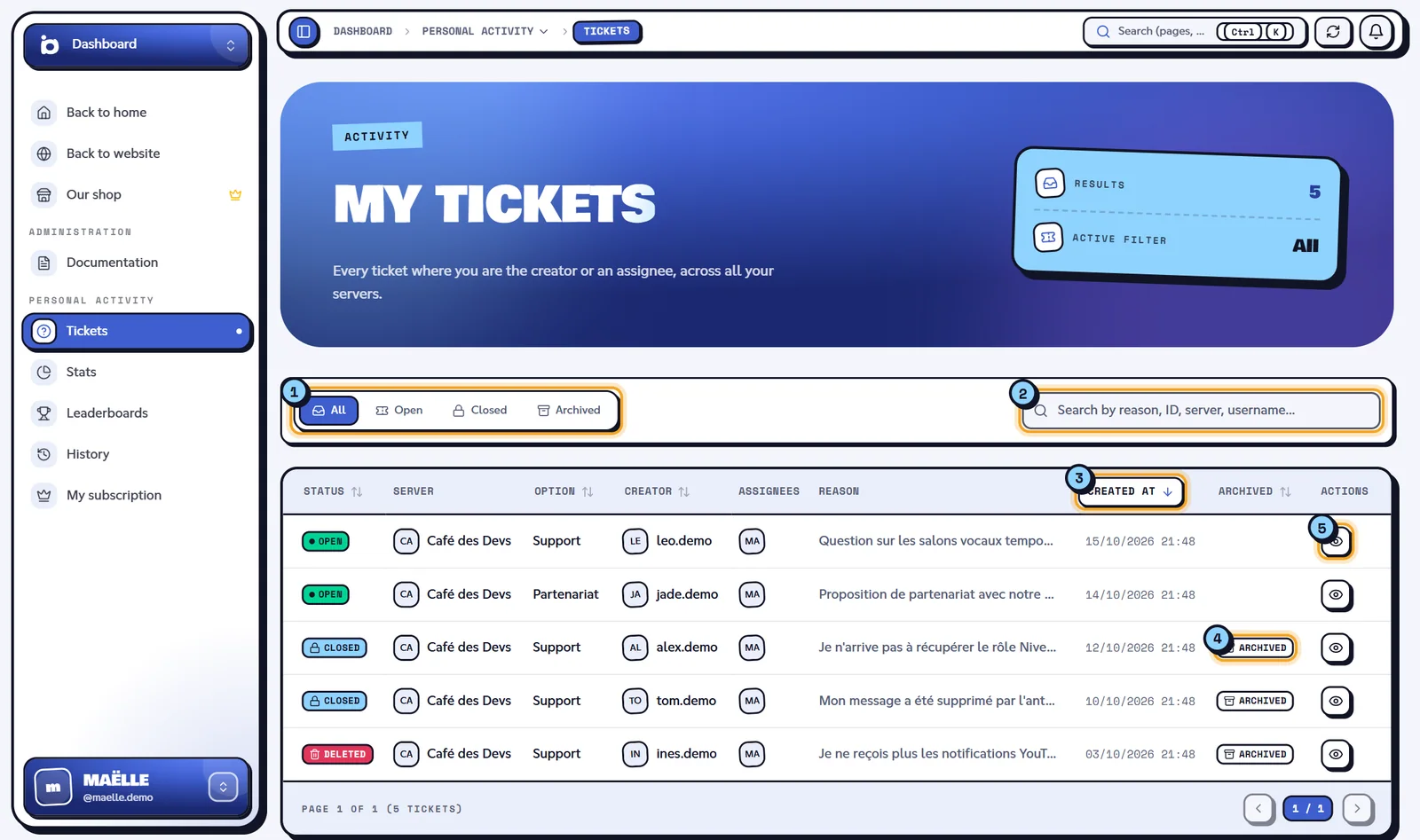
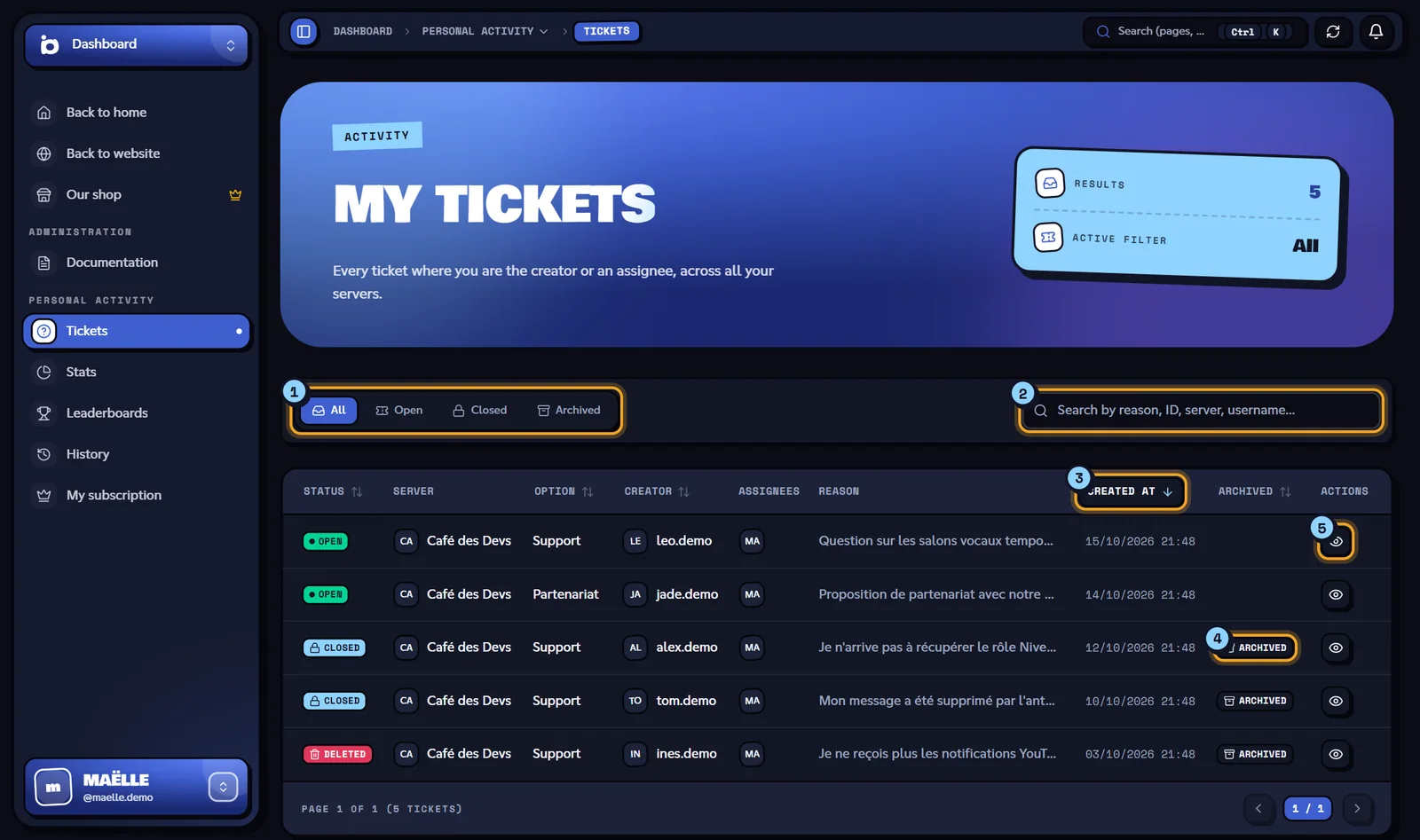
- The status filter: All, Open, Closed or Archived. At the top of the page, "Results" gives the number of tickets found and "Active filter" the chosen filter.
- The search: "Search by reason, ID, server, username...".
- The columns: Status, Server, Option, Creator, Assignees, Reason, Created at, Archived and Actions. Click the Status, Option, Creator, Created at or Archived header to sort, and click again to reverse the order.
- Archived: the ticket has a saved transcript.
- Open shows the ticket.
The status is Open, Closed or Deleted. The table shows 10 tickets per page ("Page 1 of 3 (24 tickets)") with Previous and Next buttons.
The page address keeps your filter, search, sort and page: you can bookmark it.
If no ticket matches, the page shows "No tickets found for this filter. Try “All” or “Archived”.". If loading fails: "Could not load tickets. Please try again in a moment.".
Reading a ticket and its transcript
Click Open (or the Archived badge) to show a ticket.
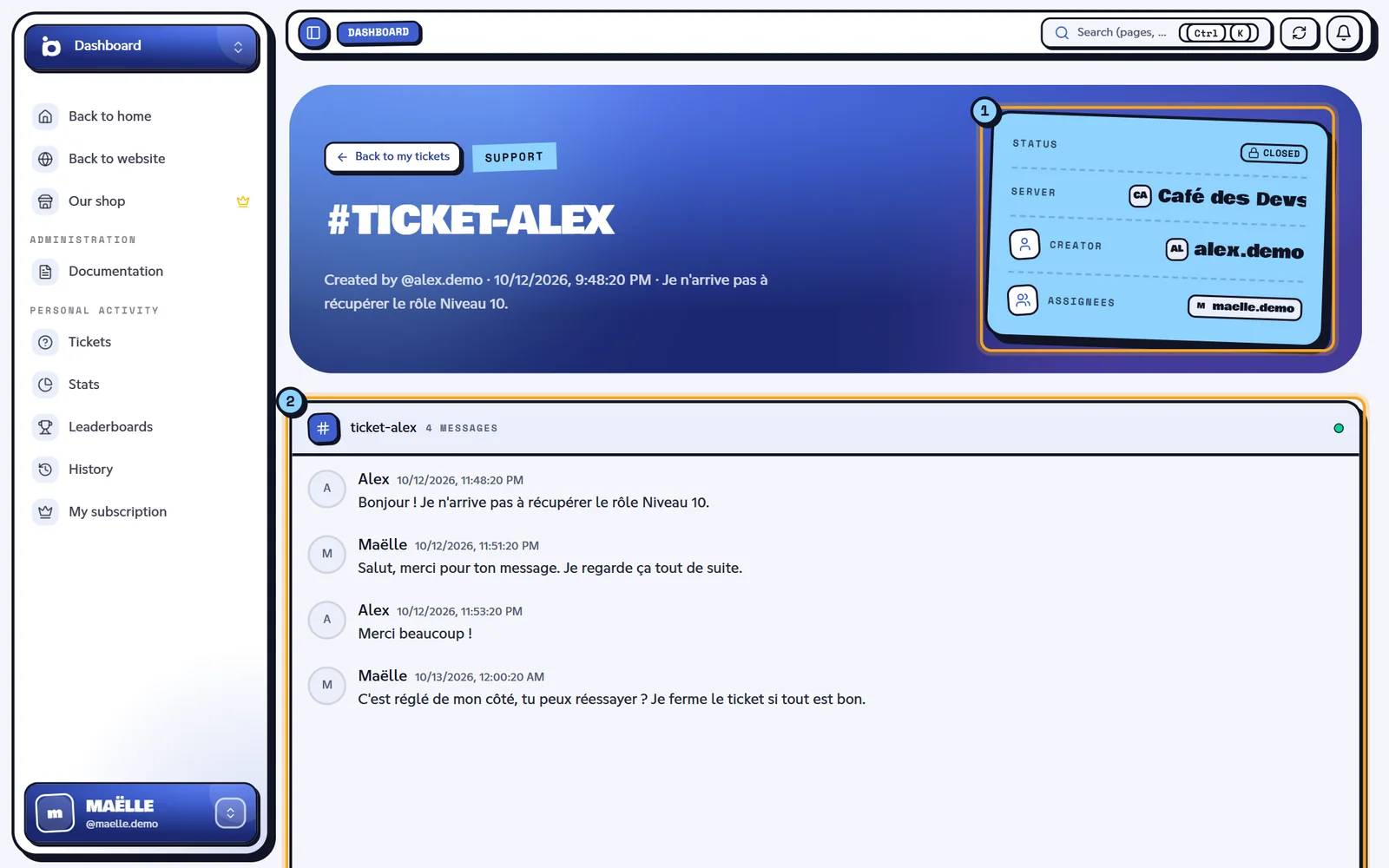
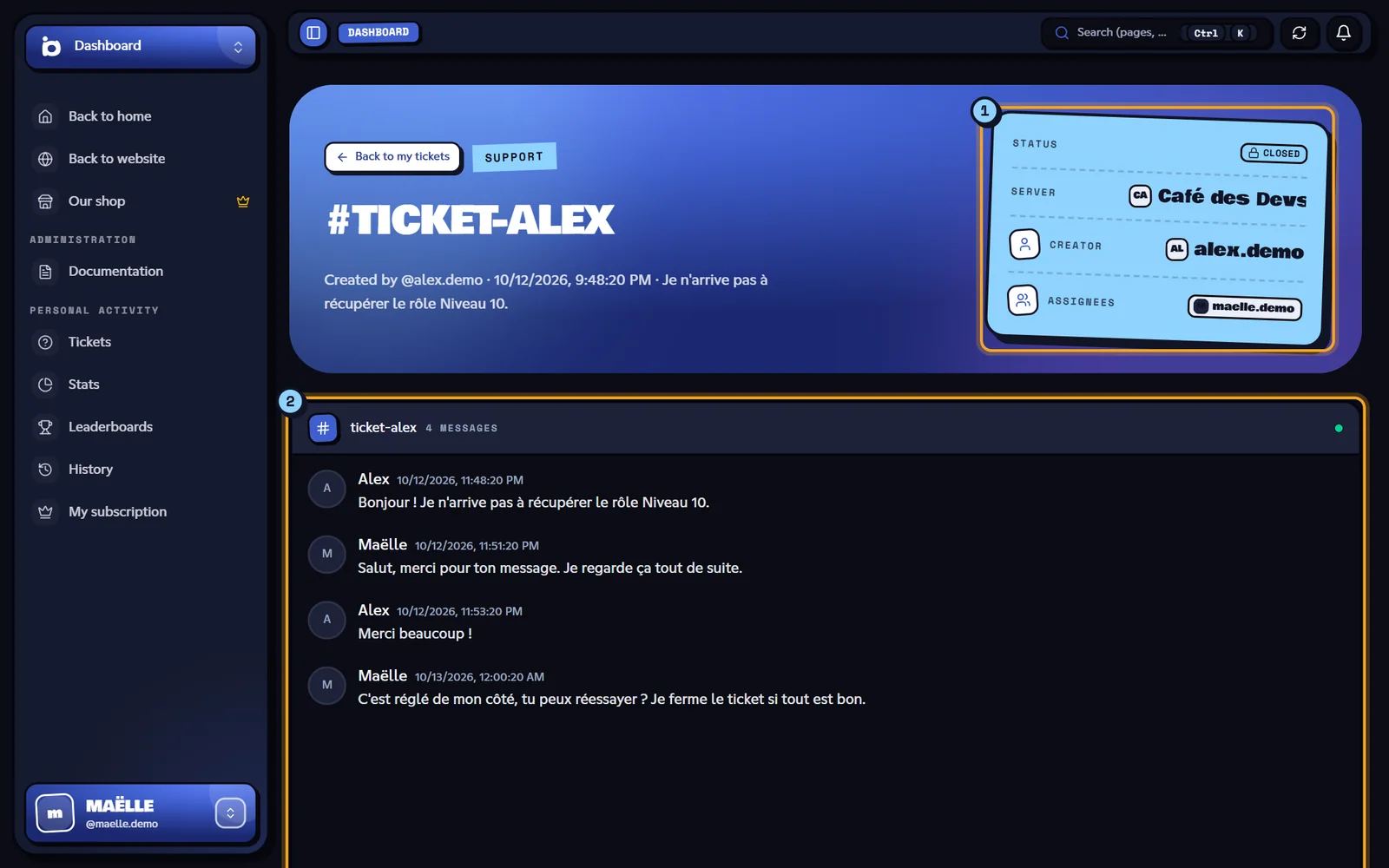
- The details: the ticket's option (for example Support), its channel name (for example #ticket-alex), "Created by @username · date" followed by the reason ("Je n'arrive pas à récupérer le rôle Niveau 10.", the ticket was opened in French), then the Status, Server, Creator and Assignees.
- The transcript, if the ticket was archived: the conversation as it was on Discord (messages, images, embeds, reactions). The last 20 messages show first; scroll up in the conversation to load older ones.
If the ticket has no transcript, the page shows "Conversation on Discord": the ticket is still active and the discussion goes on in its Discord channel.
Back to my tickets takes you back to the list.
Note
Only a ticket's creator and assignees can open it here. For any other account, the dashboard shows "Page not found". Ticket archiving is explained in Tickets.
My stats
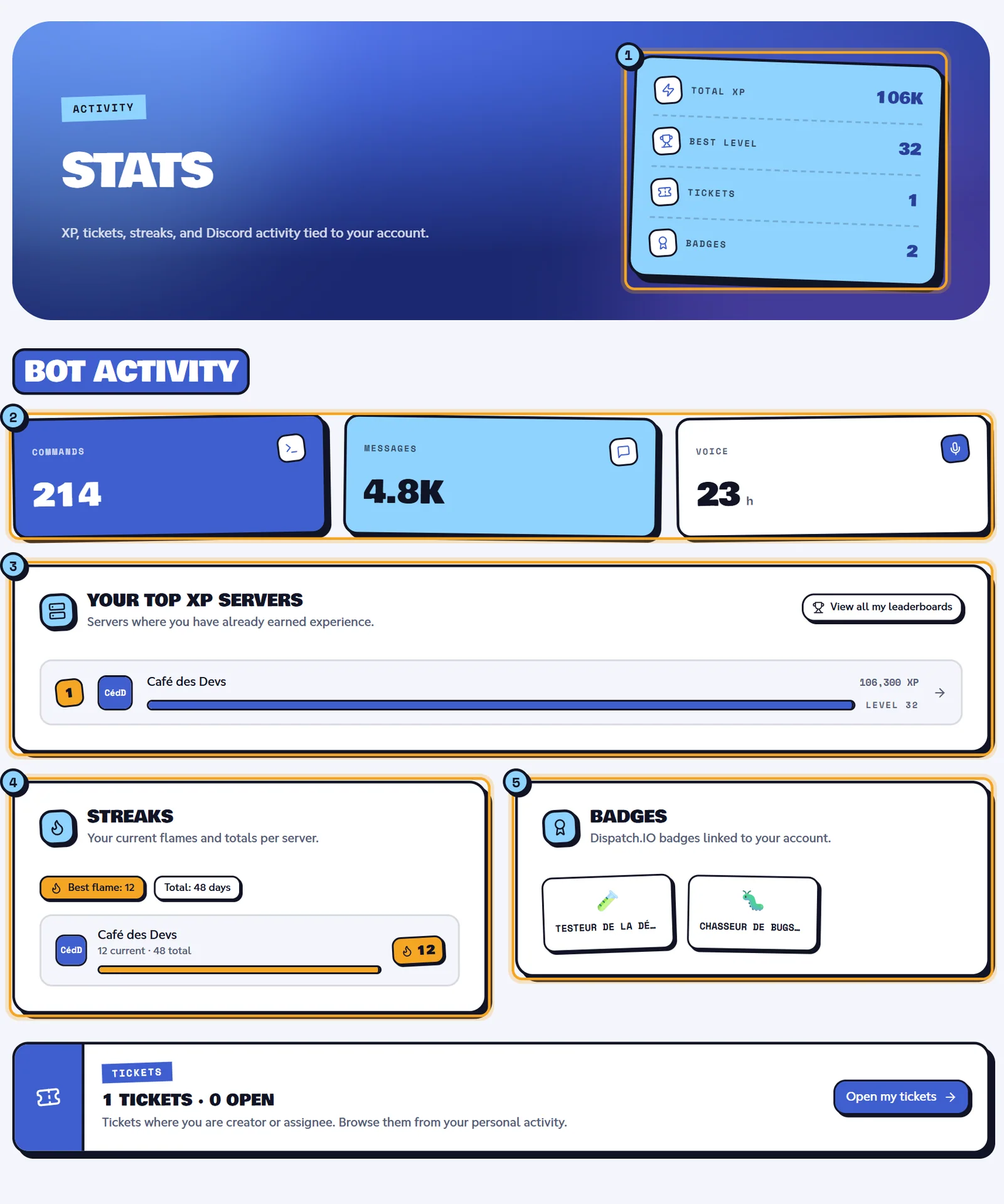
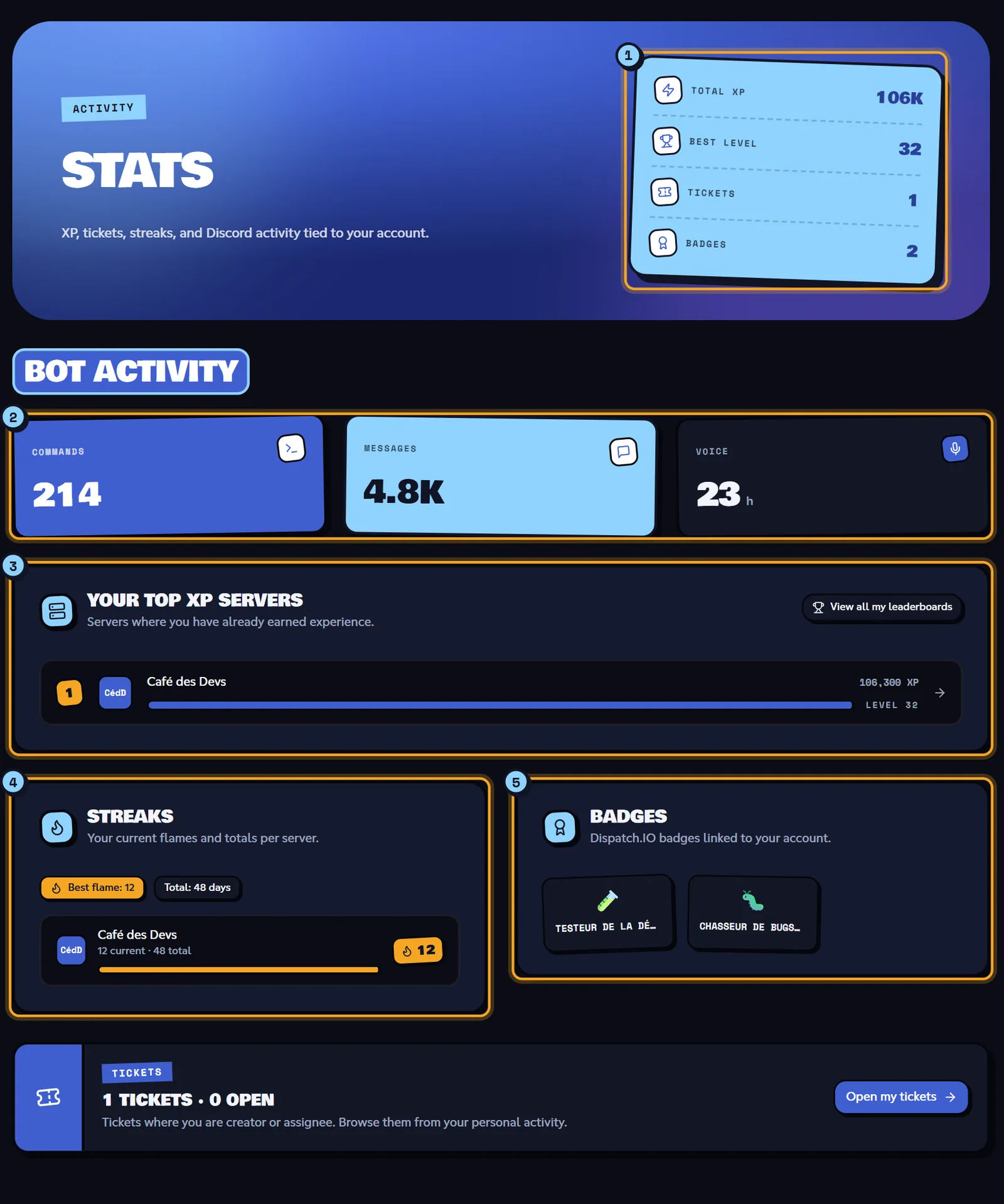
The Stats page sums up your activity across all servers.
| Block | Content |
|---|---|
| Counters (1) | Total XP, Best level, Tickets (with how many are open, for example "2 open") and Badges. |
| Bot activity (2) | How many Commands you've used, Messages counted by the bot and your time in Voice (in minutes, then hours), since you started using Dispatch.IO. |
| Your top XP servers (3) | Your 6 servers with the most XP: rank, XP, level, and an arrow to the server's public leaderboard. View all my leaderboards opens the Leaderboards page. |
| Streaks (4) | Your best current flame ("Best flame: 12"), your total days ("Total: 48 days") and, per server, "12 current · 48 total". |
| Badges (5) | The Dispatch.IO badges on your account. |
| Tickets | Your number of tickets and open ones, with an Open my tickets button. |
A brand-new account sees zeros and messages like "No XP recorded yet.". Levels and flames are explained in Levels and XP and Flames (streaks).
My leaderboards
The Leaderboards page lists the servers where you've earned XP, even those you're not an admin of, and takes you to their public leaderboard.
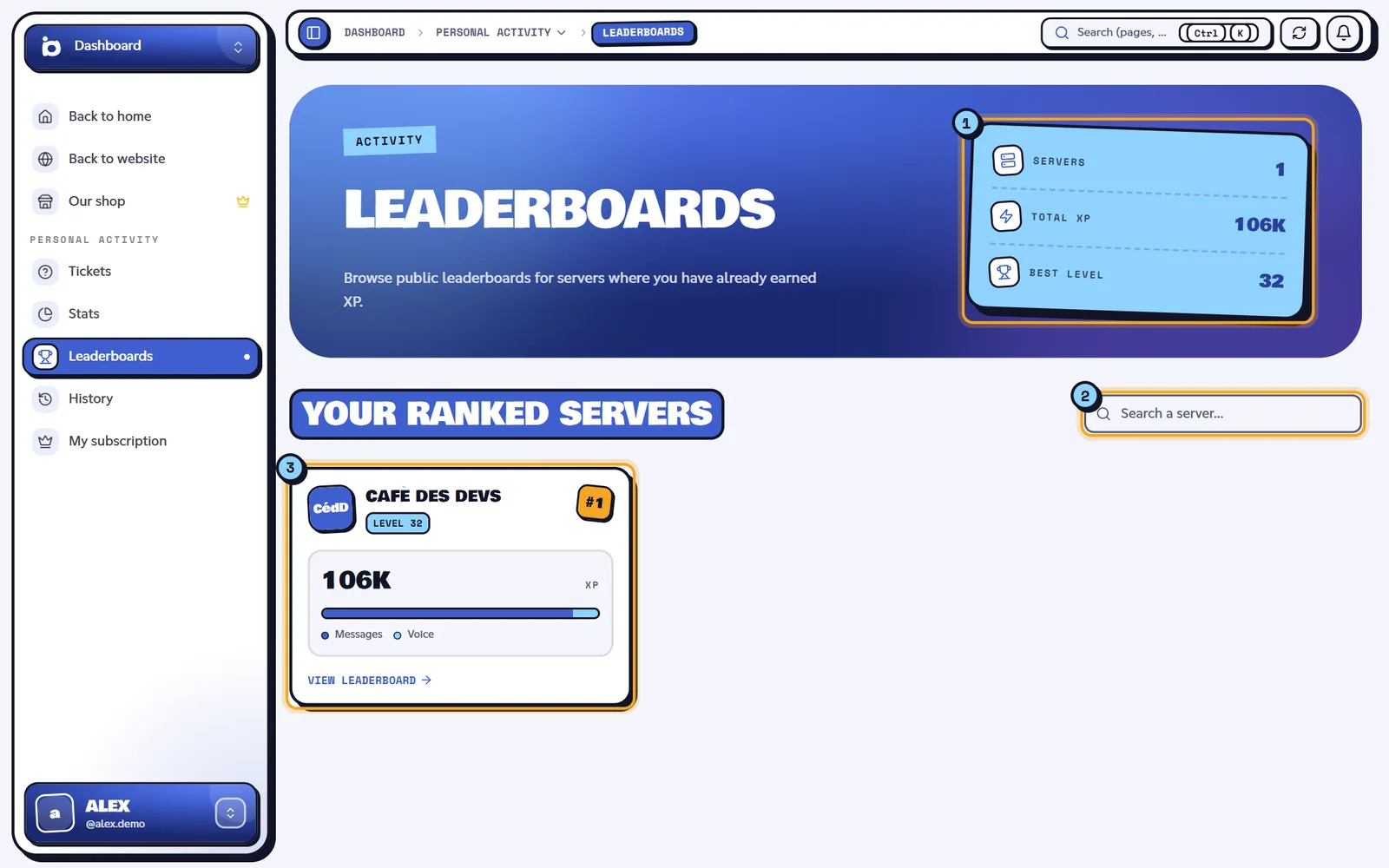
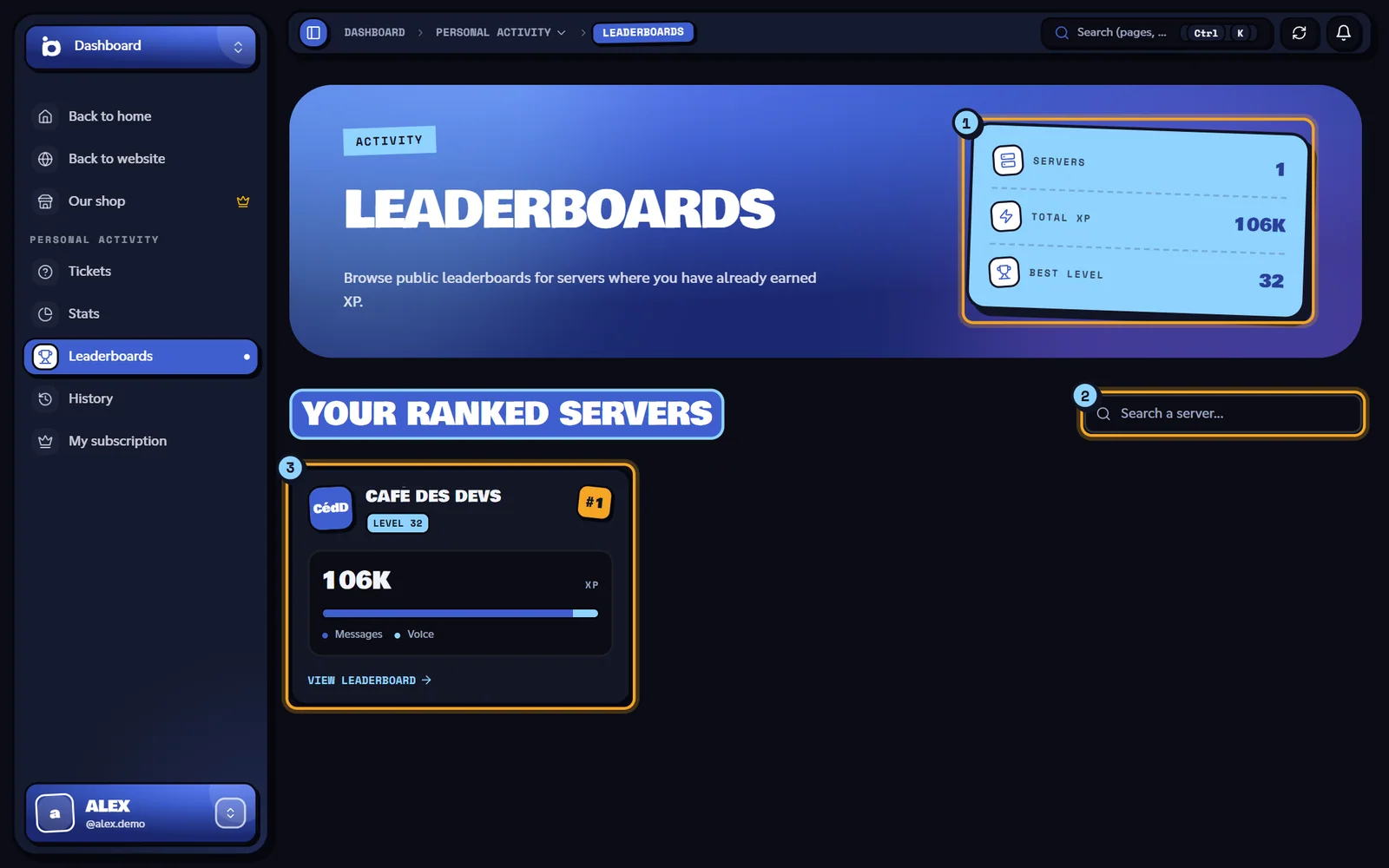
- The Servers, Total XP and Best level counters.
- The "Search a server..." search.
- One card per server, from your highest XP to your lowest (#1, #2…): your level ("Level 27"), your XP, the share of Messages and Voice, and View leaderboard, which opens the public leaderboard page.
Cards show 8 per page. With no XP anywhere, the page shows "No servers with XP yet.". Public leaderboard pages are covered in Leaderboards and rank cards.
History
The History page will show the timeline of your Dispatch.IO activity. For now it shows "This page is a work in progress by IO. Come back soon!".
My subscription
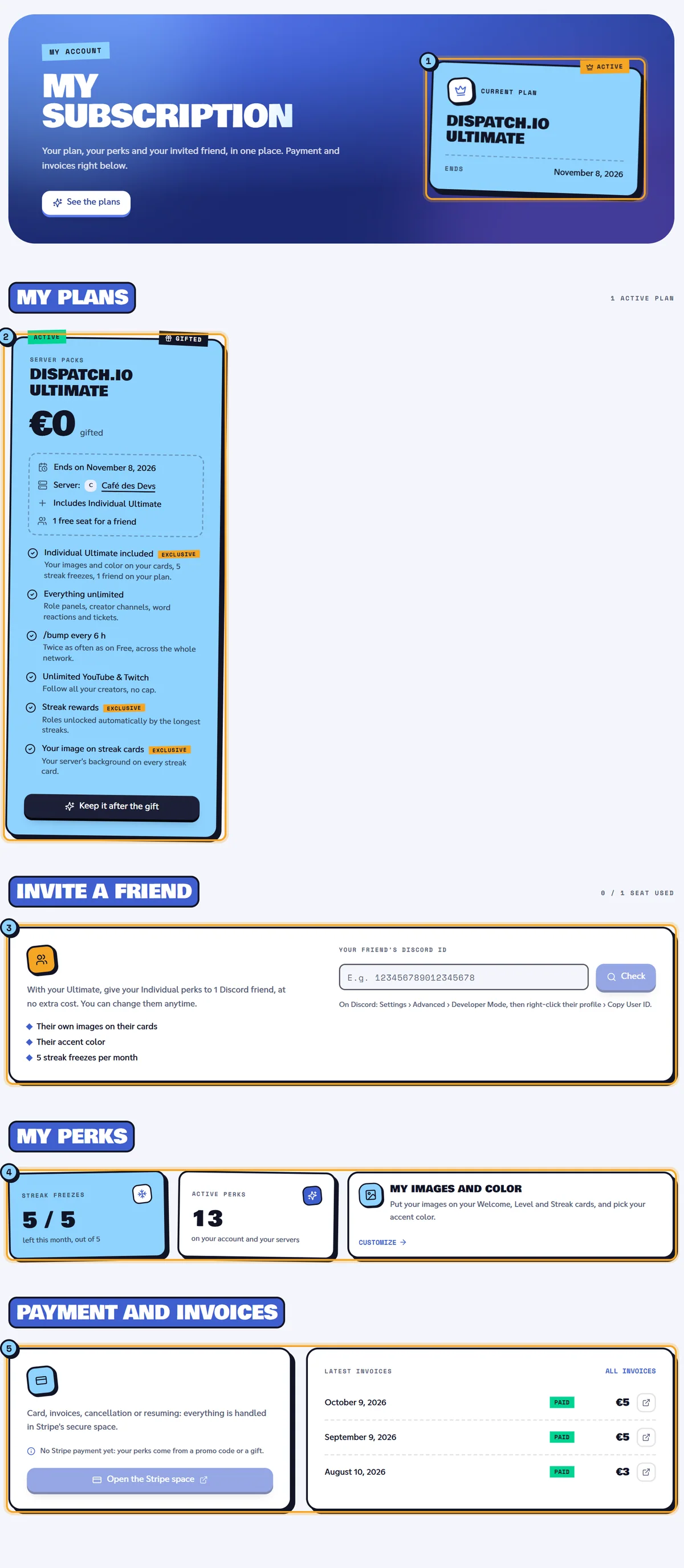
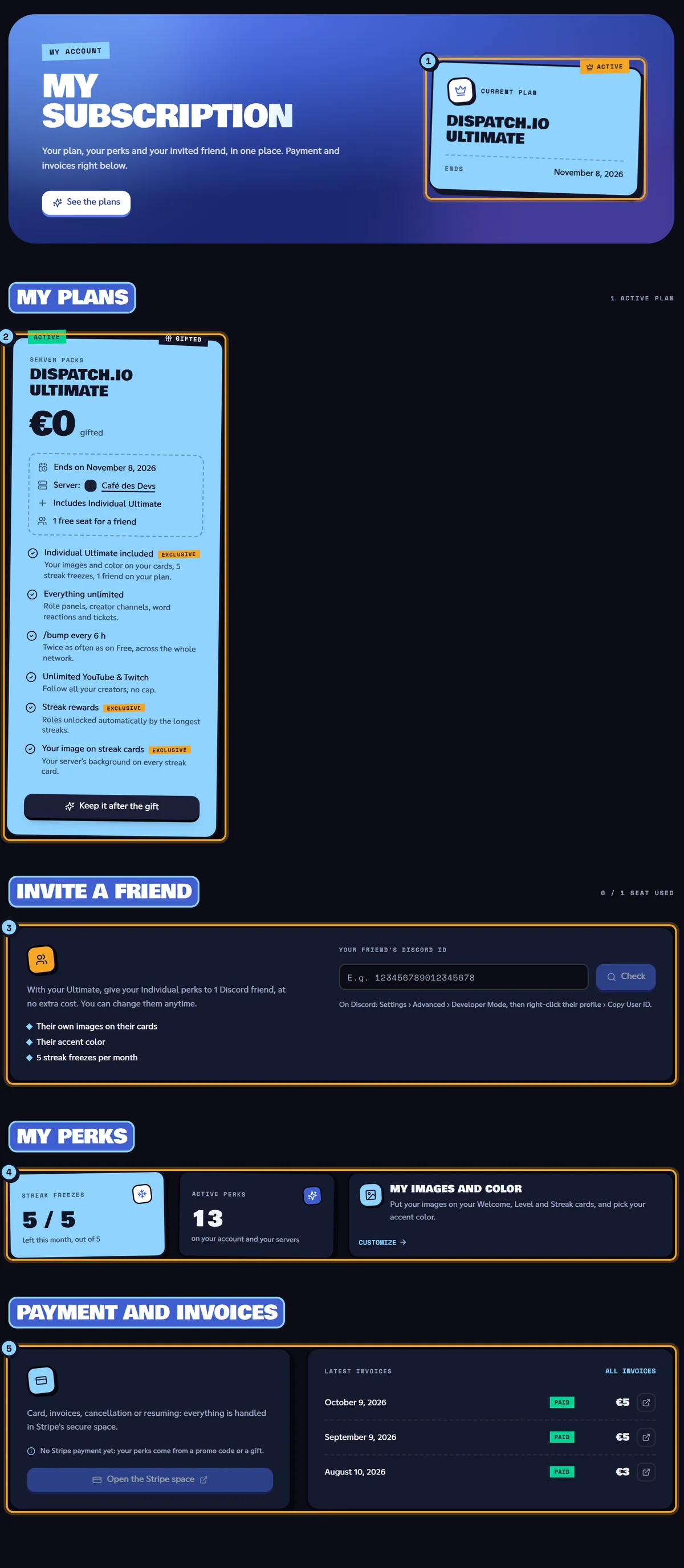
The My subscription page brings together your Premium plans, paid or gifted.
Current plan (1)
The "Current plan" box gives your plan's name (or Free, or "Gifted by name" if a friend shares theirs with you), "+ 1 more plan" if you have several, and the Renewal or Ends date. The buttons next to it lead to the shop (See the plans or Go premium) and to Stripe (Manage my payment, if you've already paid by card).
My plans (2)
One card per active plan: the family (Individual packs or Server packs), the name, the price ("/ month" or "/ year"), the date ("Renews on…", "Free trial until…", "Ends on…"), the server it applies to for a server plan ("Server: Café des Devs") and, for an Ultimate plan, "Shared with name" or "1 free seat for a friend".
The tag at the top left of the card gives the plan's state:
| Tag | Meaning |
|---|---|
| Active | The plan is running. |
| Free trial | You're in the trial period. |
| Payment overdue | The last payment failed. The card shows in red "Your last payment failed: update your payment method to keep your perks." |
| Cancellation scheduled | You cancelled: the plan stays active until the end of the paid period. |
The button at the bottom of the card depends on where the plan comes from:
- plan paid by card: Manage payment opens the Stripe space (or Resume subscription if cancellation is scheduled);
- plan from a promo code or a gift: a Gifted tag is added at the top right, the price shows "gifted", and Keep it after the gift takes you to the shop to subscribe.
With no plan, the "You're on Free" card offers See the plans. If a friend shares their perks with you, a "Shared perks" card introduces them.
Invite a friend (3)
With an Ultimate plan, you can give your Individual perks to a Discord friend. The steps are in Shop and subscription.
My perks (4)
- Streak freezes: how many you have left this month out of your quota (for example
4 / 5, "left this month, out of 5"). - Active perks: the number of perks unlocked "on your account and your servers".
- My images and color: Customize takes you to the personal images on the dashboard home (or to the shop if your plan doesn't include them).
Payment and invoices (5)
Open the Stripe space manages your card, invoices and cancellation. Latest invoices lists your last 5 invoices with their state (Paid, Due, Draft, Unpaid, Void); All invoices opens the shop's Billing tab. If you've never paid by card, the page says "No Stripe payment yet: your perks come from a promo code or a gift.".
At the bottom, Past subscriptions lists up to 5 ended plans, with "Ended on…".
Learn more
- Shop and subscription: buying a plan, promo codes, invoices, invited friend.
- Leaderboards and rank cards: the public leaderboard pages.
- Tickets: how tickets work on Discord.
- The dashboard: your personal space home.