
Some Dispatch.IO commands aren't offered to every server: they are grouped into packs that an administrator turns on for their server. Once a pack is on, the bot registers its slash commands with Discord for that server only; members then see them in the command list.
The Other commands page of the dashboard manages these packs. It's for server owners and administrators.
Open the page
In the left menu, Configuration group, click Other commands (or the tile of the same name, Automation category, on the server home).
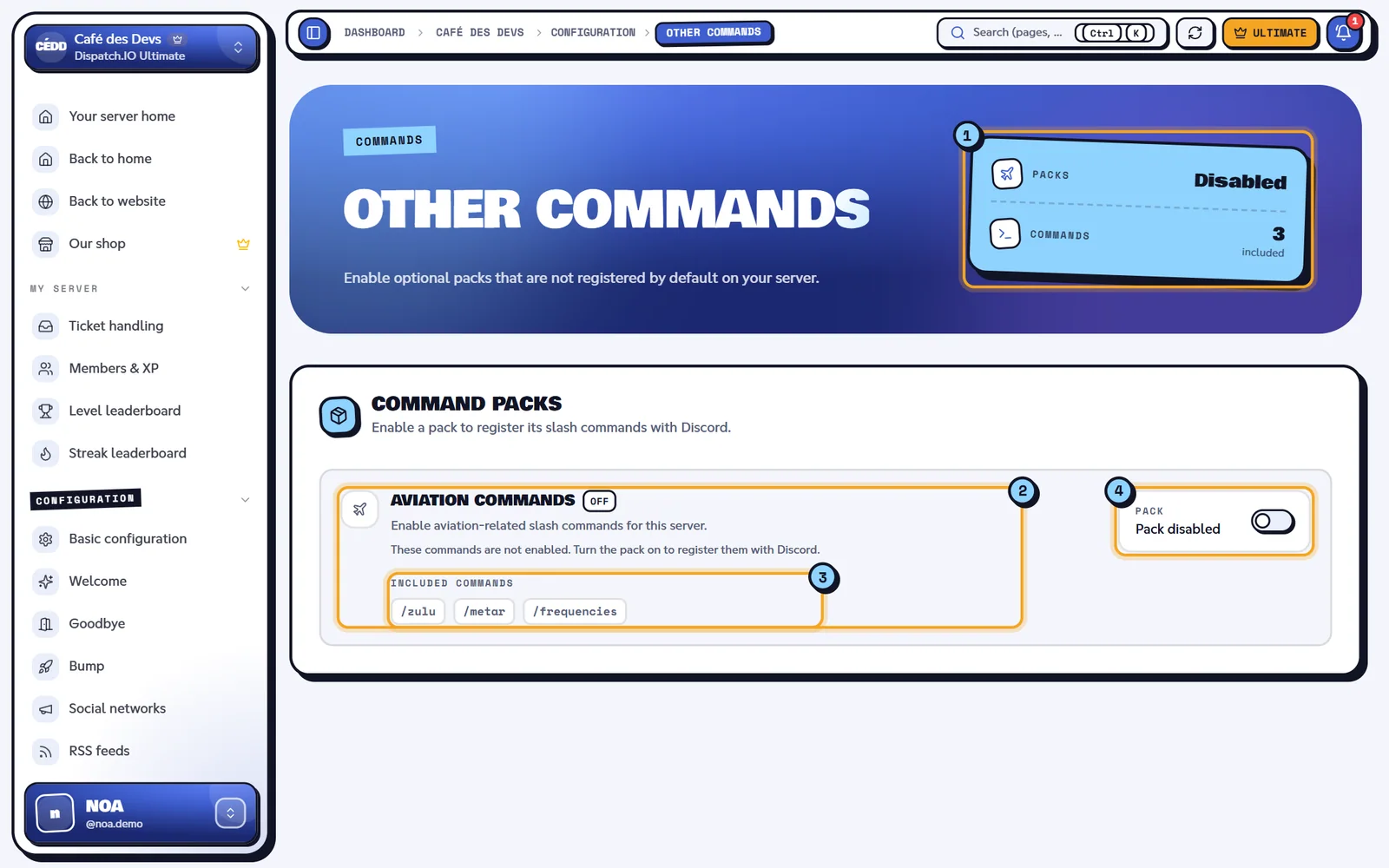
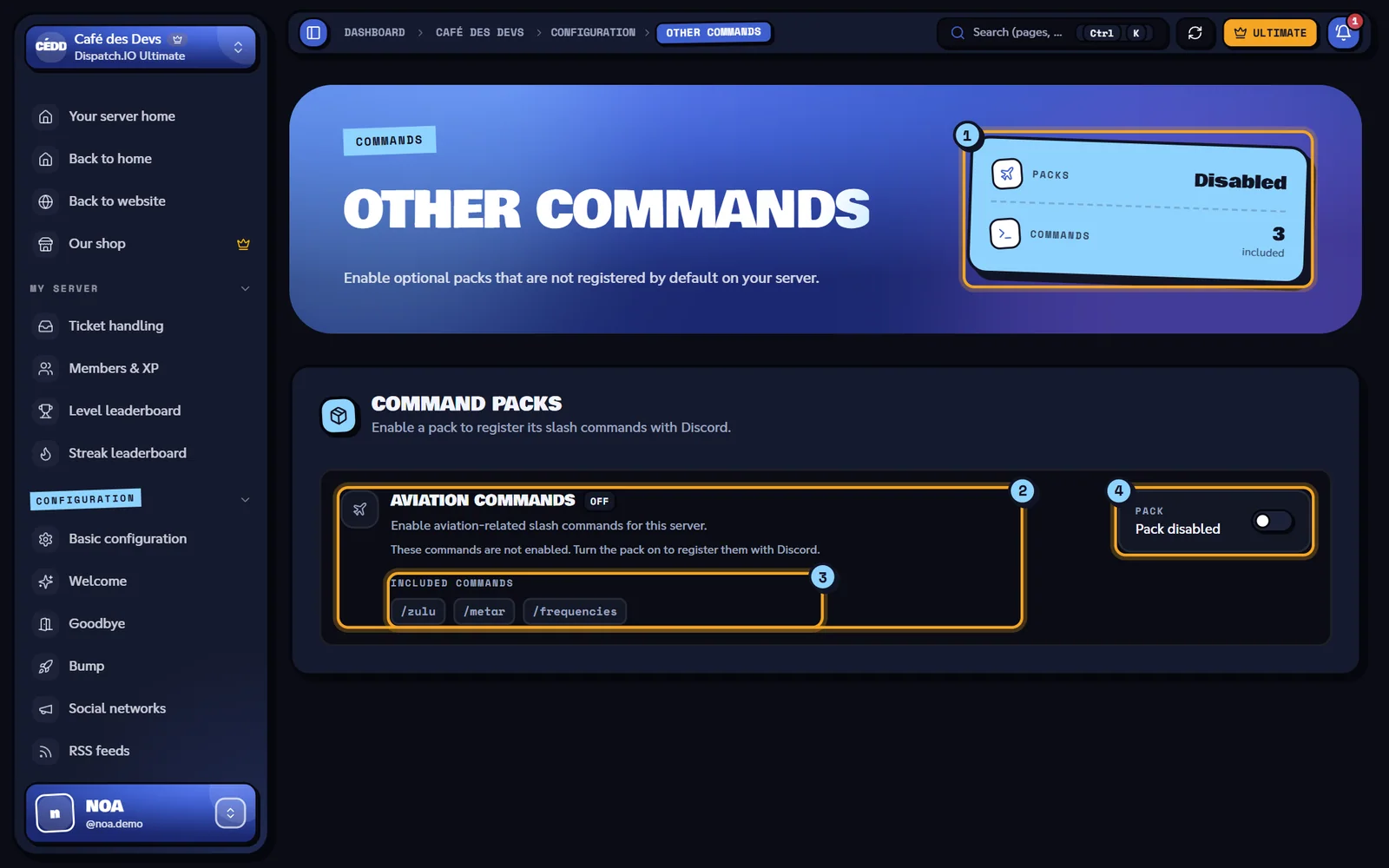
- The counters: Packs (Enabled or Disabled) and Commands (number of included commands).
- The Aviation commands card: On / Off badge, description and a status reminder ("These commands are registered and available on Discord." or "These commands are not enabled…").
- Included commands:
/zulu,/metarand/frequencies. - The pack status (Pack enabled / Pack disabled) and its switch.
Turn a pack on or off
- Click the switch on the pack's card.
- The Unsaved changes bar appears at the bottom of the screen: click Save changes.
- The message "Other commands configuration saved successfully!" confirms it.
| Setting | Effect on the bot | Default |
|---|---|---|
| Aviation commands (switch) | On: the bot adds /zulu, /metar and /frequencies to your server's commands. Off: it removes them. | Off |
Reset in the bar cancels the change before saving. The pack is included in every plan, Free included.
Tip
The commands show up on Discord within a few seconds. If you can't see them, reload Discord (Ctrl + R on desktop) or reopen the app.
The Aviation pack
Designed for flight simulation servers, it adds three commands any member can use:
| Command | Name shown on Discord in French | What it's for |
|---|---|---|
/zulu | /zulu | Show UTC (Zulu) time. |
/metar | /metar | Read an airport's weather (METAR). |
/frequencies | /fréquences | List an airport's IVAO ATC frequencies. |
Each command is detailed in Aviation.
What about the level commands?
The level system commands (/rank, /modify-xp and /reset-levels) also work like a pack, but they aren't managed on this page: the bot adds them when you turn the level system on and removes them when you turn it off, from the Levels page or with /config. See Levels and leaderboards.
Synchronisation with the bot
- Delay: a few seconds, the time for the bot to register or remove the commands with Discord.
- Trace on Discord: the bot posts "The aviation commands has been enabled." (or disabled) in the General Server Logs channel, with your name and Web Dashboard as the source.
- The same setting exists on Discord:
/config→ the other commands category (see Bot configuration). - If another administrator saves while you have the page open, it updates and shows "Other commands configuration updated by …".
Note
If the bot restarts at the exact moment you save, the commands may not be added right away: they will be at its next start. If in doubt, turn the pack off and on again.
Error messages
| Message | Cause | What to do |
|---|---|---|
| Failed to save other commands configuration. | Saving failed. | Try again in a moment. |
| Guild ID is required | Technical error (page not loaded properly). | Reload the page. |
Related pages
- Aviation: the pack's commands.
- Levels: turn on the level system and its commands.
- All commands
- Synchronisation with the bot