
The Word reaction page of the dashboard lets you create simple rules: "when this word appears in a message, the bot adds these emojis as reactions". It's a fun way to liven up the server (☕ whenever someone mentions coffee, 🎉 on every "congrats") or to tag certain messages.
This page is for server owners and administrators (see Managing permissions to find out who can open the dashboard).
Open the page
- Open your server's dashboard (see Managing your servers).
- In the left menu, Configuration group, click Word reaction. You can also use the Word reaction tile (Automation category) on the server home.
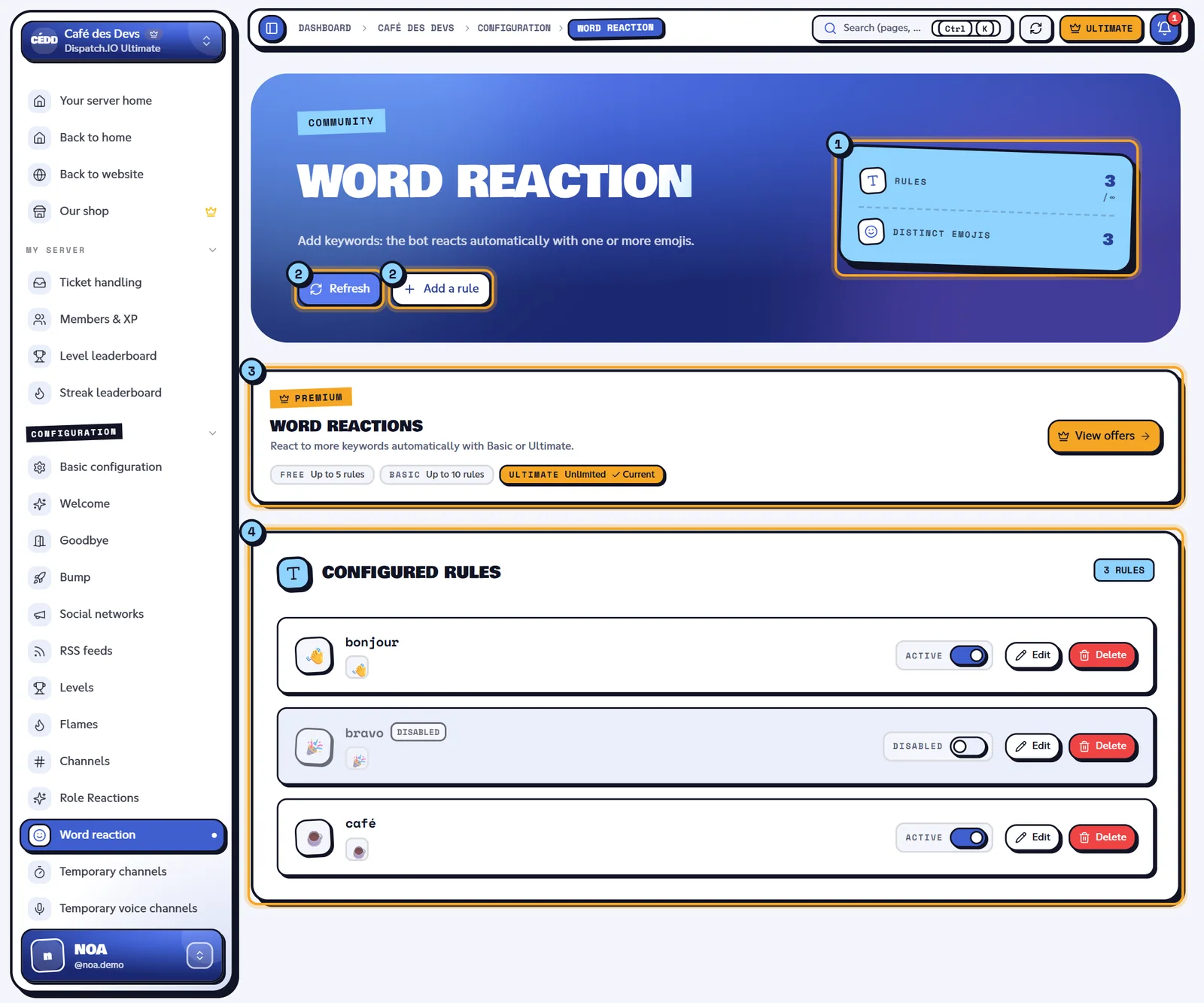
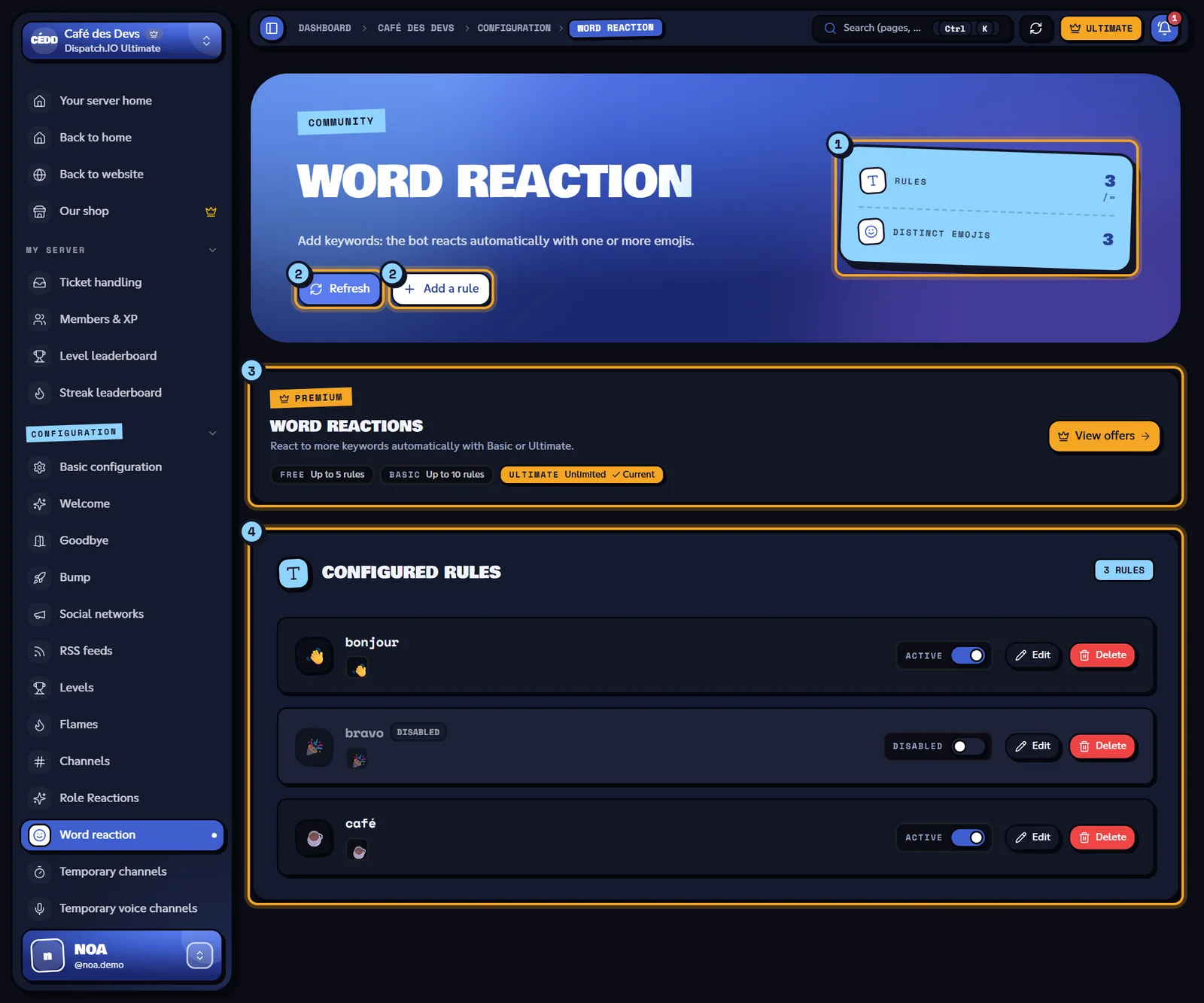
- Counters: Rules (number of rules / maximum for your plan) and Distinct emojis (number of different emojis used by your rules).
- Refresh reloads the list from the server; Add a rule opens the form (greyed out once your plan's limit is reached).
- Premium banner: the limits of each plan, yours is marked Current.
- Configured rules: one card per rule, with its switch, Edit and the bin icon.
Create a rule
- Click Add a rule. The New word reaction form replaces the list.
- Fill in the two fields below.
- Click Save. The message "Word reaction created." confirms it and the rule shows up in the list, already active.
| Field | What to enter | Rules |
|---|---|---|
| Trigger word | The word or phrase to detect, for example coffee. | Required, 100 characters max. Saved in lower case, without leading or trailing spaces. A word can only have one rule. |
| Reaction emojis | Click Add an emoji and pick a standard Discord emoji or one of your server's emojis. Keep clicking to add more; click a selected emoji again to remove it. The counter shows n/10. | 1 to 10 emojis per rule. |
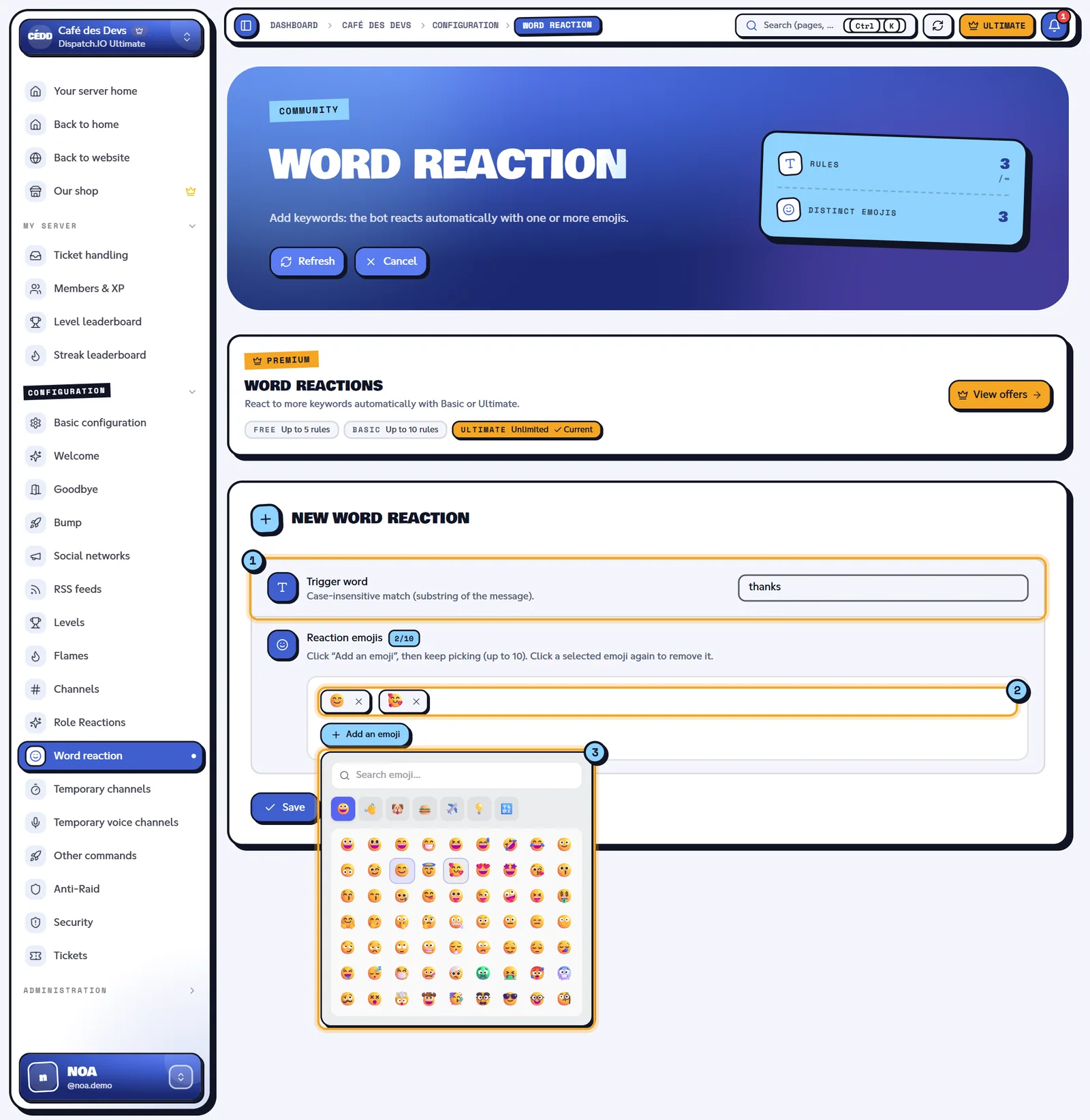
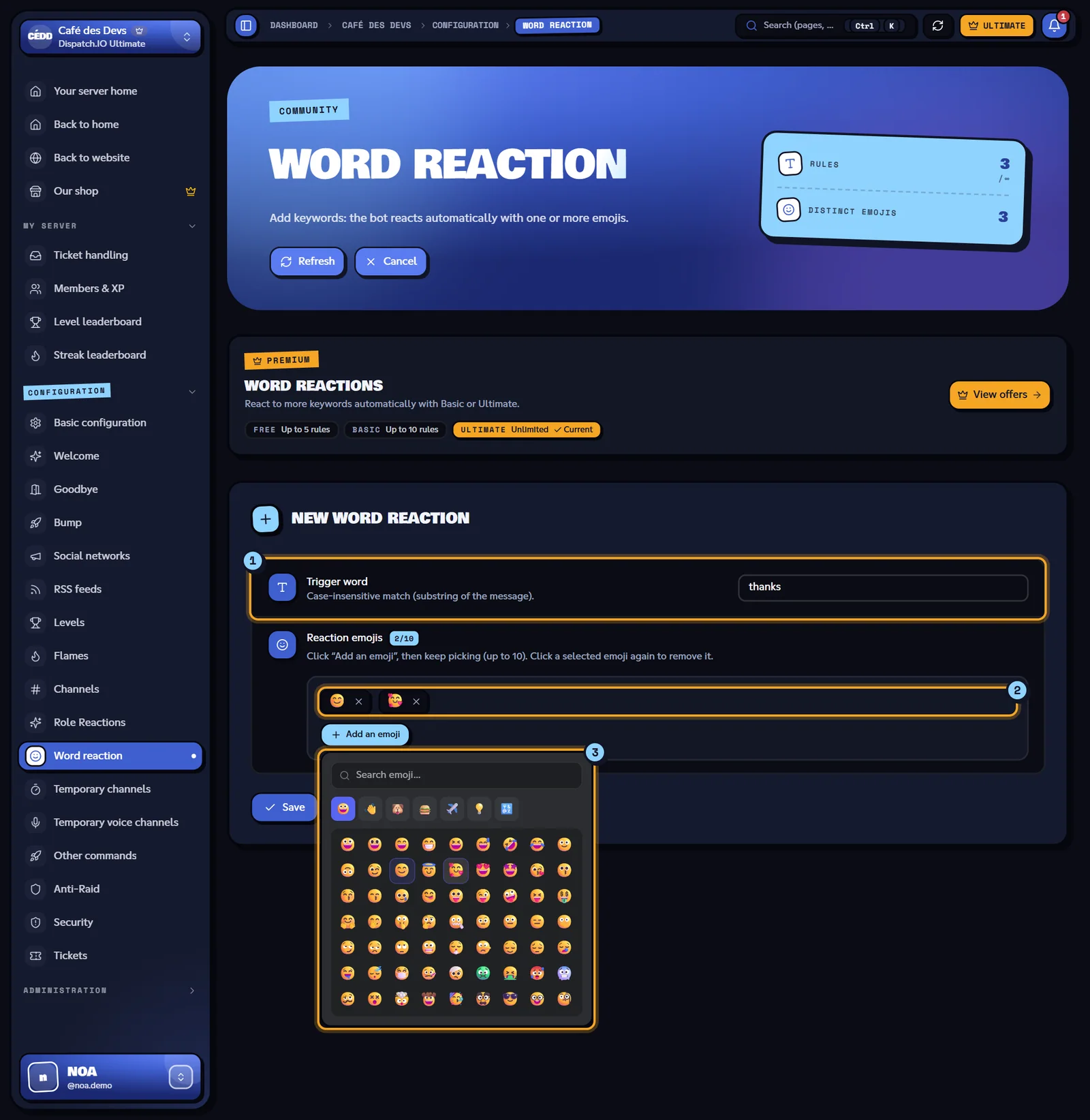
- The Trigger word field.
- The emojis already picked; the counter (
2/10here) is shown next to Reaction emojis. - The emoji picker: one tab per category of standard Discord emojis. If your server has its own emojis, an extra Serveur tab lists them.
Tip
An emoji you just added on Discord doesn't show up in the picker right away: click Sync Discord Data at the top of the page (at most once a minute), otherwise it appears within 30 minutes.
Cancel closes the form without saving anything.
How the bot reacts
For every message sent by a member, the bot lower-cases the text and checks each active rule:
- Partial match: the rule fires if the word appears anywhere in the message, even inside another word. A
catrule therefore also reacts to "category" or "concatenate". Pick fairly specific words. - Case is ignored:
Coffee,COFFEEandcoffeetrigger the same rule (accents, however, do count). - Several rules at once: if a message contains several configured words, the bot adds the emojis of each rule.
- Anti-spam: when a message triggers several rules, or a rule with several emojis, the bot won't do it again for the same member for 10 seconds. Single-emoji rules triggered on their own always react.
Example on the Café des Devs server with the rules coffee → ☕, hello → 👋 and congrats → 🎉:
| Alex's message | Reactions added |
|---|---|
| "Who wants a coffee?" | ☕ |
| "Hello everyone, congrats on the launch!" | 👋 🎉 |
| "Grab a coffeemaker deal" | ☕ (the word coffee is contained in "coffeemaker") |
The bot doesn't react to messages from other bots, to messages removed by the anti-raid, or to messages from accounts on the Dispatch.IO blacklist.
Note
The bot needs the Add Reactions and Read Message History permissions in the channel. For an emoji from another server, the bot must also be on that server. See Permissions and roles.
Manage rules
Each card in the Configured rules list shows the word, its emojis and its status.
| Element | Effect |
|---|---|
| Switch | Turns the rule on or pauses it, immediately (no Save button). The status changes to Active or Disabled and a message confirms it. |
| Edit | Opens the Edit word reaction form with the current values. You can change the word and the emojis, then click Update. |
| Bin (Delete) | Deletes the rule right away, without confirmation. |
| Over quota badge | The rule exceeds your plan's limit (see below): it is kept but no longer works. |
Warning
Deleting doesn't ask for confirmation and can't be undone: recreate the rule if you made a mistake.
The same rules can also be managed from Discord with the Word reaction category of /config (see Bot configuration): it's the same list.
Limits per plan
| Free | Basic | Ultimate | |
|---|---|---|---|
| Number of rules | 5 | 10 | Unlimited |
| Emojis per rule | 10 | 10 | 10 |
Once the limit is reached, the Add a rule button is greyed out and any attempt returns "Limit reached: 5 rule(s) maximum." (depending on your plan).
If your server goes back to a lower plan, no rule is deleted: only the rules within the limit stay active, the others get the Over quota badge and turn back on when the subscription is renewed. See Server subscription.
Synchronisation with the bot
- Delay: immediate. The rule is saved in the database shared with the bot and its cache is refreshed at the same time; the next message takes it into account.
- No log message is posted on Discord for these changes; they show up in Configuration Logs (Word reaction category).
- Several administrators: if someone else edits the rules while you have the page open, the list updates by itself and a "Word reactions updated by …" message appears.
The details are explained in Synchronisation with the bot.
Error messages
These messages appear at the bottom of the screen. Some come straight from the server and stay in French whatever the site language: the French text is shown below in quotes, with its meaning.
| Message | Cause | What to do |
|---|---|---|
| Word and at least one emoji are required. | Empty word or no emoji picked. | Fill in both fields. |
| Maximum 10 emojis per word. | More than 10 emojis. | Remove some emojis. |
| Limit reached: … rule(s) maximum. | Your plan doesn't allow more rules. | Delete a rule or upgrade your plan. |
| "Le mot ne peut pas dépasser 100 caractères." (word too long) | Word over 100 characters. | Shorten the word. |
| "Emoji invalide. Utilisez des emojis Unicode ou custom <:name:id>." (invalid emoji) | Emoji not recognised. | Pick the emoji from the picker. |
| "Impossible d'enregistrer la réaction mot. Vérifiez que le bot est sur le serveur." (could not save) | The bot hasn't initialised the server yet. | Check that the bot is on the server, then try again. |
| Something went wrong. | Unexpected error. | Try again in a moment. |
Related pages
- Reactions and triggers: the bot side of the module.
- Reaction roles: give roles with reactions.
- Premium plans and limits
- Synchronisation with the bot