
A custom command is an automation whose trigger is Custom command: when a member types the command, the bot runs the diagram. It shows in Discord's command list like the Dispatch.IO commands, but only on your server.
Create a command
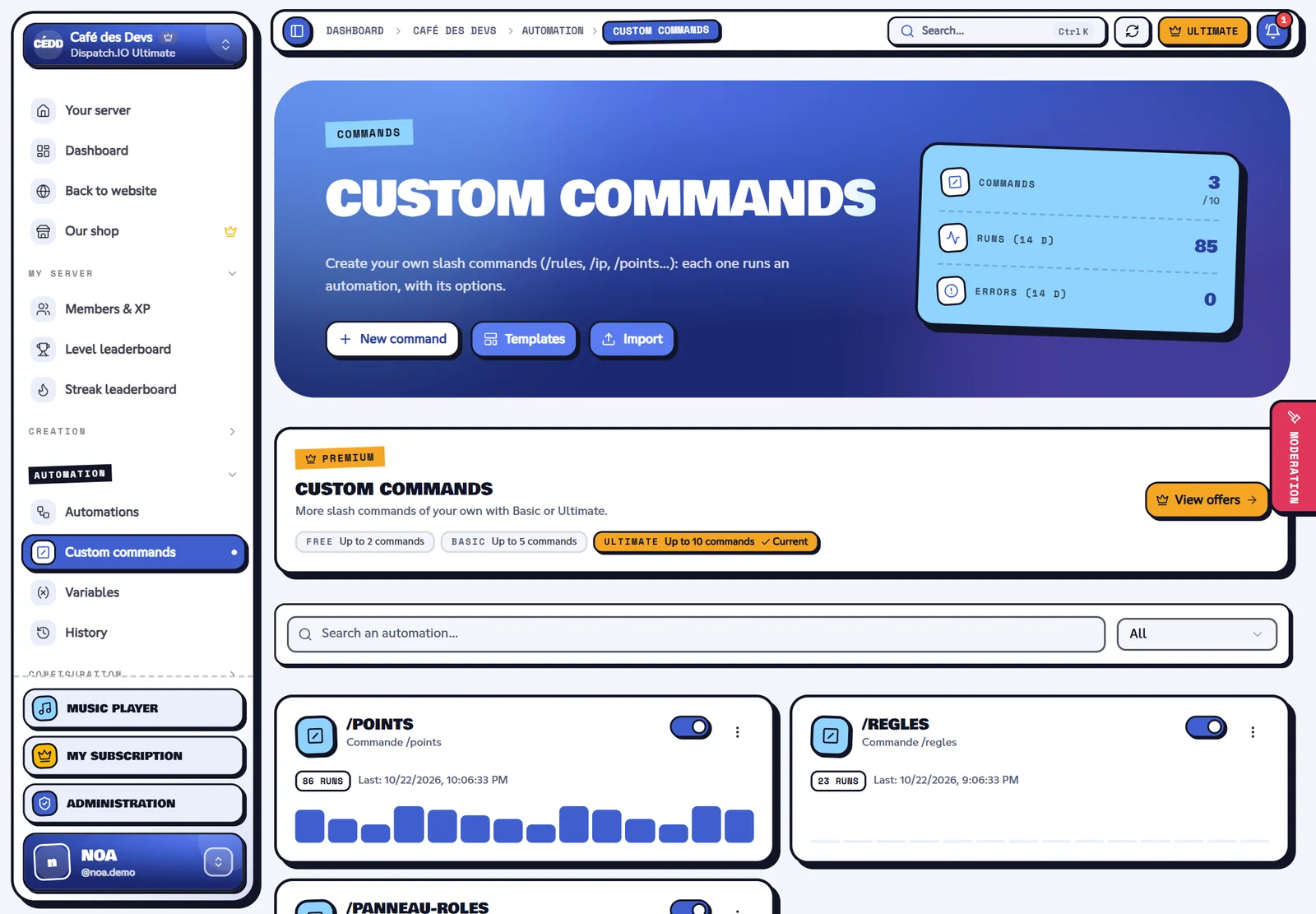
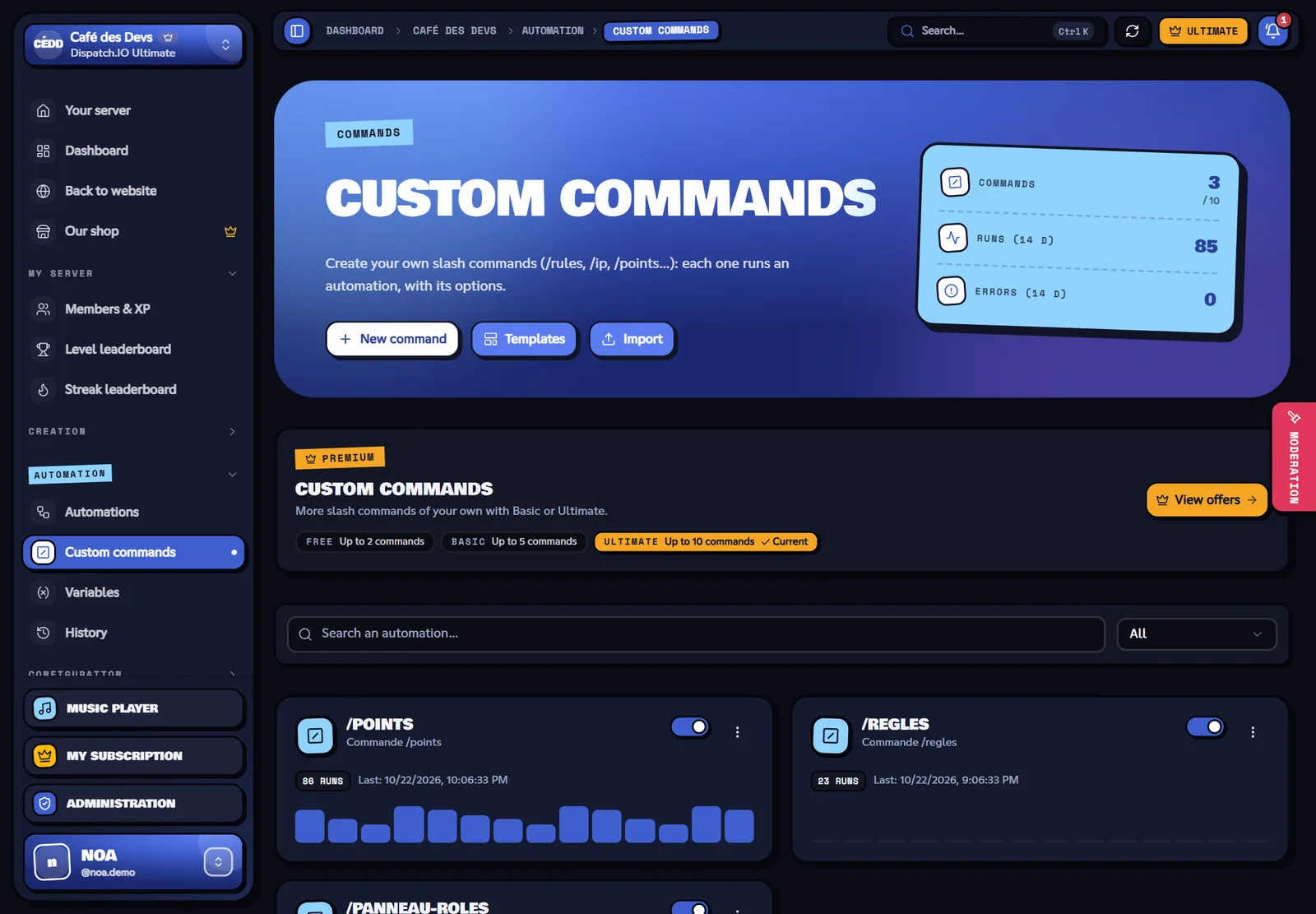
- Automation menu › Custom commands › New command (or a template like
/rules). - In the trigger, fill in:
| Field | Rules |
|---|---|
| Command name | Lowercase, no space: letters, digits, - and _, 32 characters. It must be free on your server and not be a Dispatch.IO command (/rank, /warn…). |
| Description | Shown by Discord under the name (100 characters). |
| Options | Up to 10 options the member fills in (see below). |
| Who can use it | Everyone, or only the members who have a permission (manage messages, timeout members, manage roles, manage server, administrators). The others don't see the command. |
| Replies visible only to the member | Every reply of the bot (Reply actions) is only seen by the one who typed the command, even when the Reply block doesn't have this option. |
- Add actions: most often a Reply action.
- Save. The command is registered on Discord a few seconds later (turning the automation off removes it).
Note
Discord can take a moment to show a new command or a change in your app. If it doesn't show, reload Discord (Ctrl + R).
Options
Each option becomes a variable you can use in texts and conditions:
| Type | What the member chooses | In a text |
|---|---|---|
| Text | A free text | {option.name}: the text |
| Integer, Number | A number | {option.name}: the number |
| Yes / no | True or false | {option.name}: true or false |
| Member | A member of the server | {option.name}: their mention; {option.name.id}: their ID |
| Channel | A channel | {option.name}: its mention |
| Role | A role | {option.name}: its mention |
A Member option can also be the target of the actions: in the Member concerned field of an action (role, DM, sanction, variable…), choose “The name option of the command”. Required options are placed before the others, as Discord requires.
Example: a /give-points member:<member> amount:<number> command for moderators only, with an Add to a variable action (variable points, amount {option.amount}, member concerned: the member option) then Reply “✅ {option.amount} points given to {option.member}”.
Reply to the command
Discord requires a reply within 3 seconds: so the bot puts the command in “thinking” state right away, then:
- the first Reply action replaces this waiting message; the next ones are sent as follow-up messages;
- if no action replies, the waiting message is removed (“✅ Done.” stays only when replies are visible to the member alone): to post a message under the command, use Reply rather than Send a message;
- if the automation fails, the bot shows the error in plain words to the member;
- if the automation is in cooldown, the member sees “⏳ This action is on cooldown…”.
The other actions (send a message in a channel, give a role…) work normally; the “trigger channel” is the channel where the command was typed.
Limits
- 2 commands on Free, 5 on Basic, 10 on Ultimate (quota separate from the automations one).
- Discord accepts 100 commands per server and per app at most.
- A command that is off, deleted or over the quota disappears from Discord; a member who uses it before their app updates sees “This command is no longer available”.