
There are two kinds of variables: the ones that describe the event (the member, the channel, the message…), that you insert in texts, and your variables, values your automations remember from one run to the next (a counter, points per member…).
Variables in texts
In any text field of a block (message, nickname, thread name, reason, “Text” or “Number” condition…), write a variable between braces: the bot replaces it when the automation runs.
👋 Welcome {user} to **{server}**! You are our member #{server.members}.
The Insert a variable button of each field lists the available variables with their description, grouped by theme. It only offers the ones your trigger gives: {message.content} doesn't exist for “A member joins”.
You can also type { in a field: a list of variables shows under the line and narrows down as you type (↑ ↓ to choose, Enter or Tab to insert).
Tip
An unknown (or not given) variable is left as is in the text: read the message preview again, or run a simulation test.
List of variables
The full list (member, server, channel, message, role, voice, levels, tickets…), with an example for each variable, is on the Message variables page: they are the same as in the embeds, containers and banners of the studio.
In short: {user}, {user.display_name}, {server}, {server.members}, {date}, {member.level} are always available; {message.content}, {channel}, {role}, {voice.channel}, {ticket.id}… depend on the trigger.
Your variables
The Variables page (Automation menu) creates values your automations remember: a counter for the server, points per member, the last winner of a game…
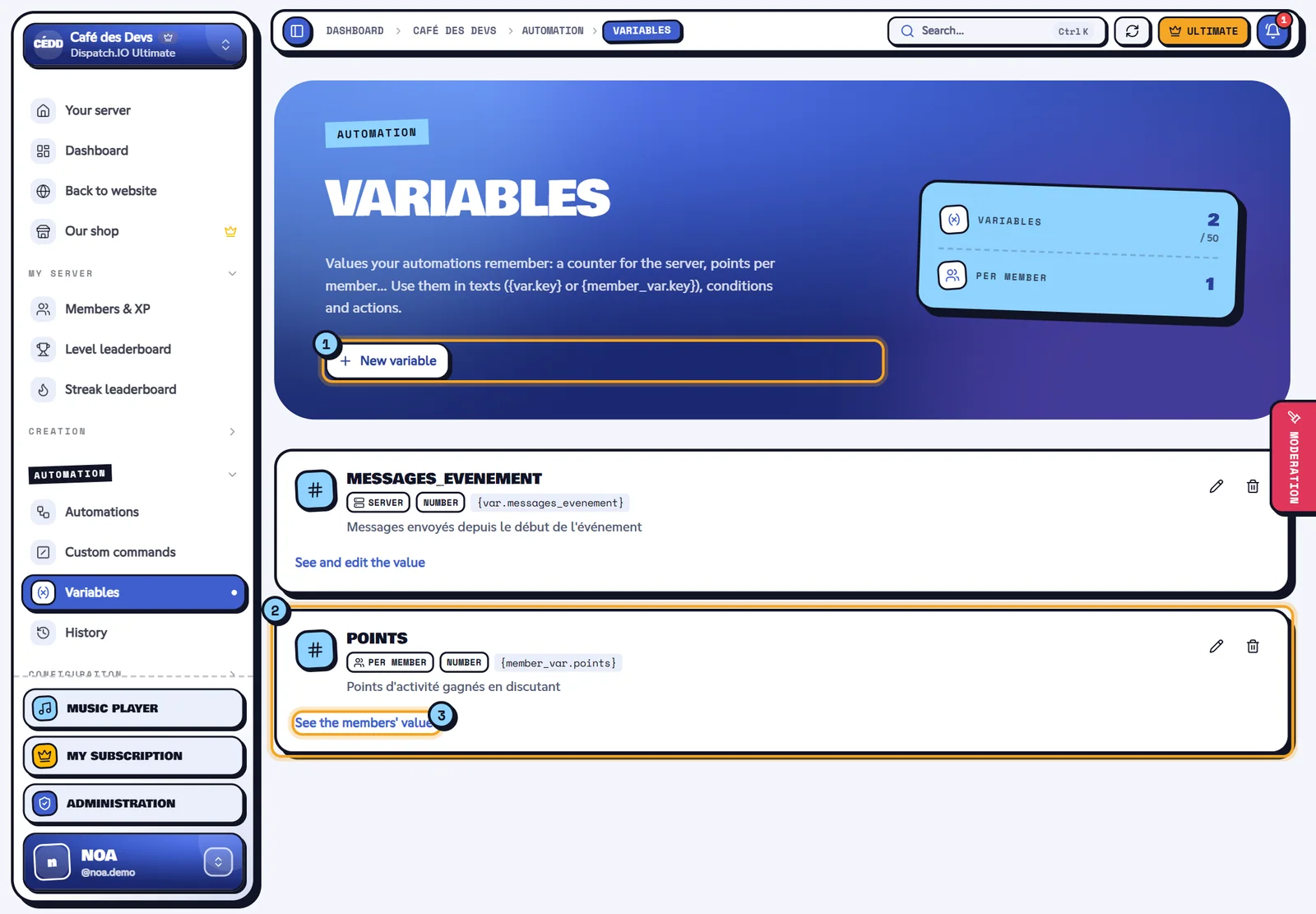
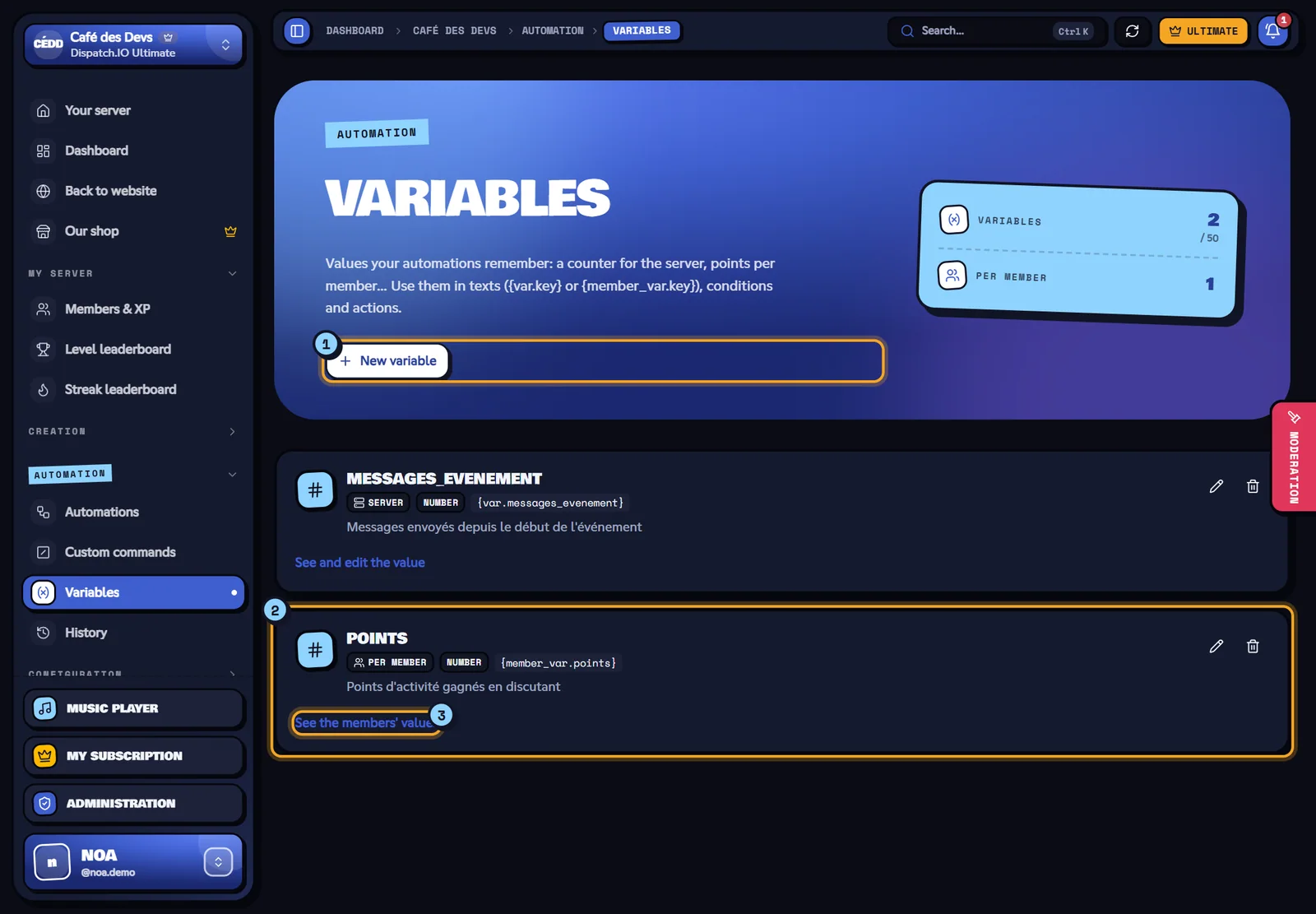
- New variable opens the form.
- Each variable shows its key, its scope, its type and how to write it in a text.
- See the values: the server value, or the list of members and their values (editable, deletable, global reset).
| Field | Rules |
|---|---|
| Key | Lowercase letters, digits and _, 32 characters, starts with a letter (points, last_winner). It can't change after creation. |
| Scope | Per member: one value per member. Server: one single value. Can't change after creation. |
| Type | Number (additions and comparisons are done as numbers) or Text. |
| Default value | The value as long as nothing was saved (0 for points). |
How to use them:
| Where | How |
|---|---|
| In a text | {var.key} (server) or {member_var.key} (value of the member who started it). |
| Set a variable action | Replaces the value (text with variables allowed). |
| Add to a variable action | Adds an amount (negative to remove). |
| Variable condition | Compares the value (=, ≠, >, ≥, <, ≤, contains). |
A per member variable uses the member chosen in the Member concerned field of the action (by default, the one who started it). 50 variables at most per server.
Warning
Deleting a variable deletes all its values; automations that use it will fail with “The variable no longer exists”.